
Parameter changing procedure
- Start the “FAX Maintenance Mode”.
Press and hold down the power button while pressing the [#] button from the power-off state until a message appears on the panel LCD.

Enter ID number.
Enter the ID number according to the following operation method.
Operating procedure• Number input (move in ascending order): [2] button
• Number input (move in descending order): [8] button
• Input digit shift : [6] button
• Execute : [#] button Check Point / チェックポイント
Enter “96321” when starting the FAX Maintenance Mode.
After entering the ID number, press the [#] button, and make sure the following confirmation screen appears.

On the confirmation screen, press the [#] button, and make sure the product is running in the “Authentication Mode”.
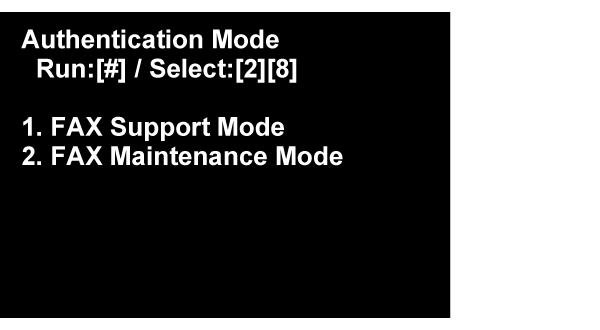
With the [2][8] buttons, select [FAX Maintenance Mode], and then press the [#] button.
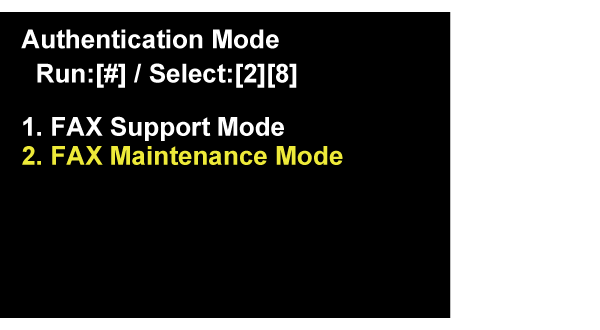
Start the “FAX Parameter Settings”.
- Select the “FAX Parameter Setting”, and push [#] button.
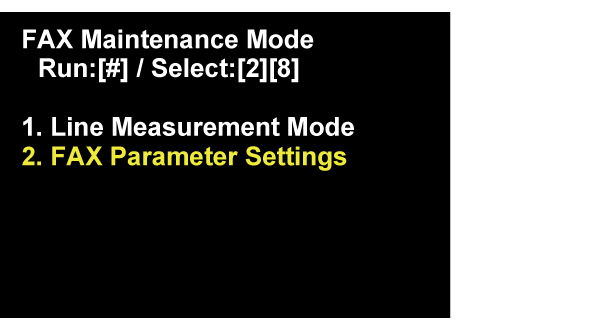
Following screen is displayed on Panel LCD. Waiting until the screen is changed. (About 1 minute)
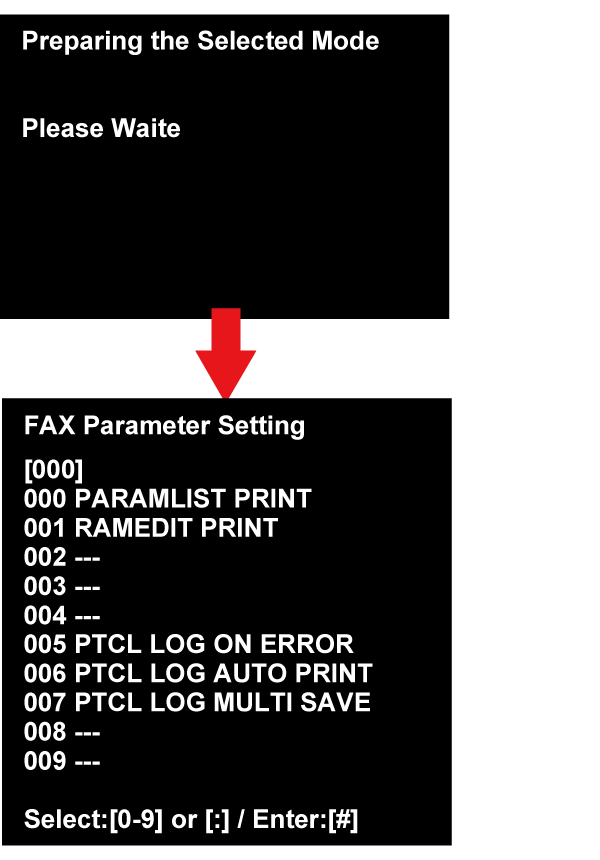
- Select the changing item, and enter the setting number.
Enter the number of changing item (3 digit), and push the [#] button.Check Point / チェックポイントIf “---” is displayed on the right side of the number of changing number (3 digit), it is an item with no parameter assignment.
- There are the following two types of setting change items, and the changing method is different.
• Parameter of selection type: Select Setting value
• Parameter of input type: Enter Setting value
Regarding detail of changing method, refer to the Example of setting change in selection type parameter.
Example of setting change in selection type parameter
Example of setting change in input type parameter