
Starting Service Support Mode
 Note / 補足 Note / 補足 |
|
Start from the power ON
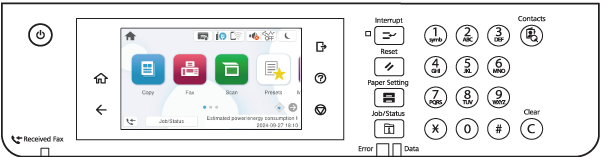
- On the home screen, long press [Home].
 Check Point / チェックポイント
While long pressing [Home], do not remove your finger at all until the screen changes.
Check Point / チェックポイント- Europe models only require entering a PIN code before entering the ID (due to UK security restrictions).
- The PIN code is unique and printed on the PASSWORD label.
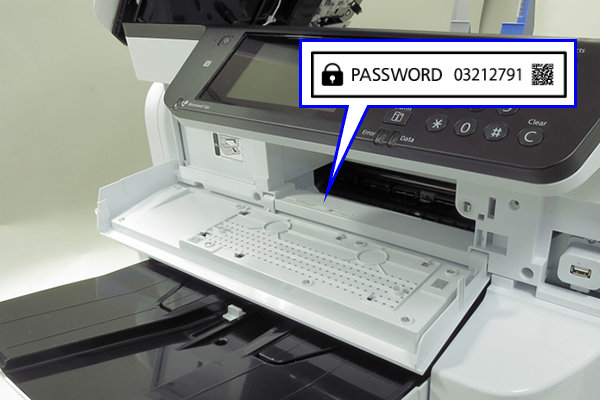
- “PIN Input” is displayed in the ID input screen only when the PIN is required.
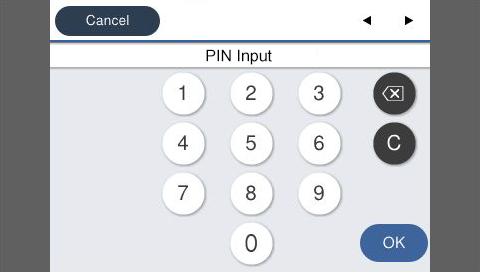
- Workflow (Europe models)
- Check a PIN code on PASSWORD label.
- Enter a PIN code and press [OK].
- Enter the ID and press [OK].
- If the starting succeeds, the keypad screen will be displayed. Enter the startup ID and press [OK].
- ID : 98308
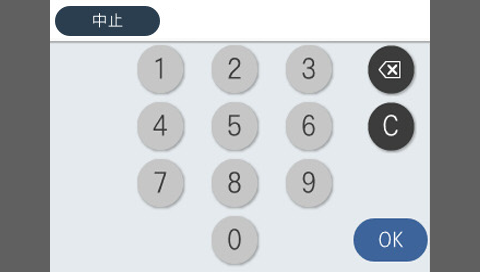
- The screen for the service support mode will be displayed.
Start from the power OFF
- With the status of Power OFF, press the [#] button while long pressing the [Power] button.
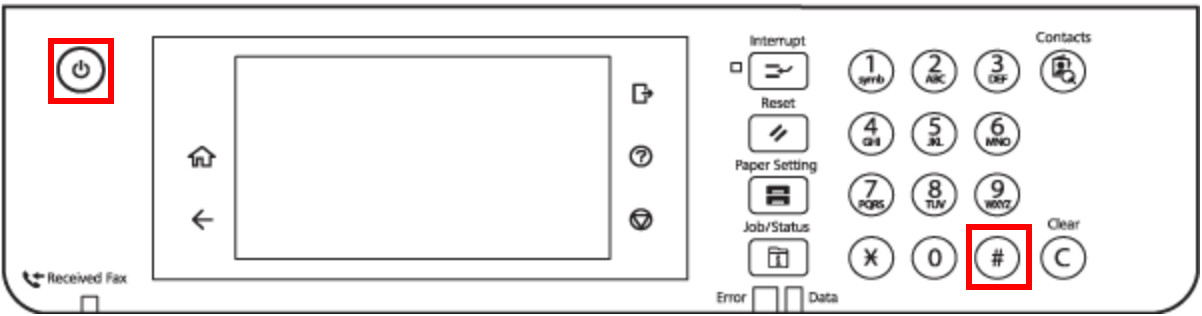 Check Point / チェックポイント
- Europe models only require entering a PIN code before entering the ID (due to UK security restrictions).
- The PIN code is unique and printed on the PASSWORD label.
- “PIN Input” is displayed in the ID input screen only when the PIN is required.
- Workflow (Europe models)
- Check a PIN code on PASSWORD label.
- Enter a PIN code and press [OK].
- Enter the ID and press [OK].
- If the starting succeeds, the ID input screen will be displayed.

Press the following button and enter the startup ID.
- ID : 98308
Operation Button Increase the input number by 1 [2] button Reduce the input number by 1 [8] button Move the input digit to the right [6] button Complete input [#] button - The screen for the service support mode will be displayed.