
CIS Module (ADF/SCN) Before Parts Replacement
Procedure
- Start service support mode. (Starting Service Support Mode)
- Select [05 Adjustment for Replacement Parts].
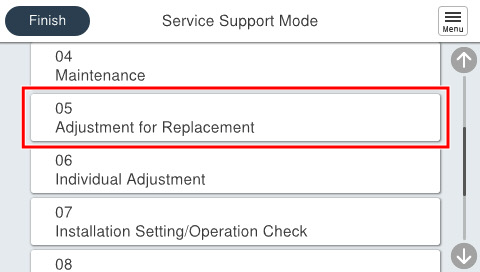
- Select [503 ADF/SCN].
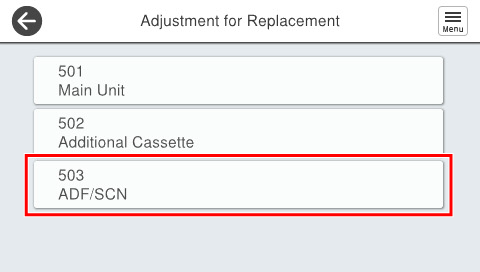
- Select [50301 ADF/SCN Related Parts].
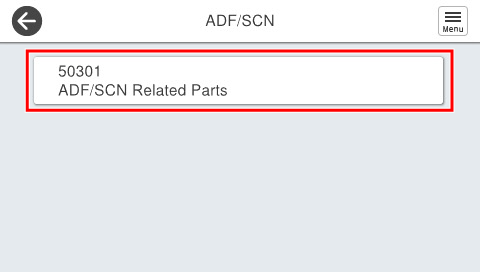
- Select [5030106 CIS Module (ADF/SCN)].
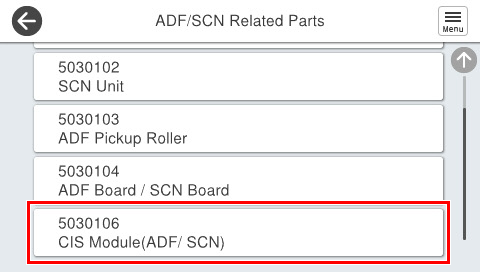
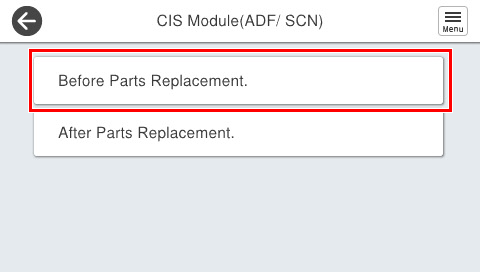
- Select [Before Parts Replacement].
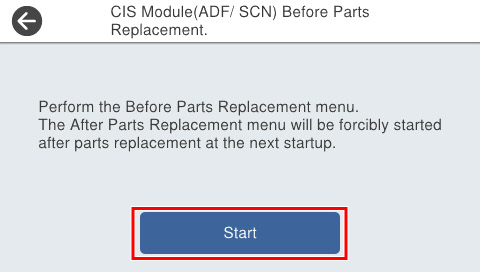
- Press [Start].
- Turn the power OFF.
When the power of the product is turned on, the product starts in service support mode, and the [After Parts Replacement] screen of the CIS Module (ADF/SCN) is displayed.