
60109 Nozzle Noise Check
Overview
Check that an abnormal signal that will cause a Nozzle diagnostic function problem is not occurring as a result of a part failure or poor assembling.
Required Tool
---
Procedure
- Start service support mode. (Starting Service Support Mode)
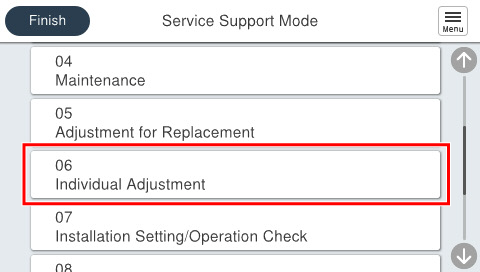
- Select [06 Individual Adjustment].
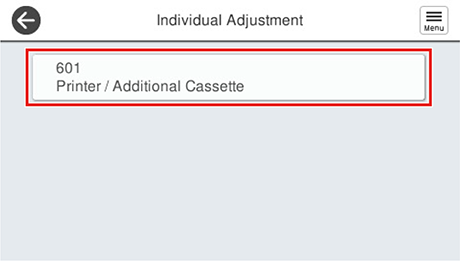
- Select [601 Printer/Additional Cassette].
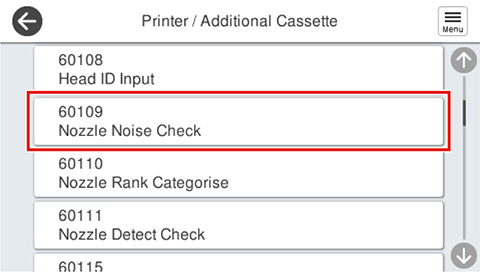
- Select [60109 Nozzle Noise Check].
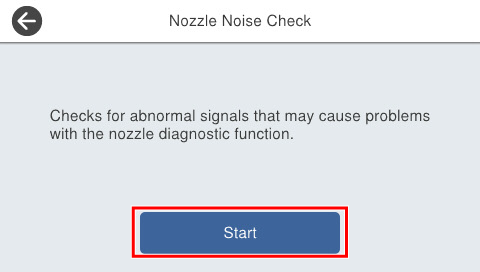
- Press [Start].
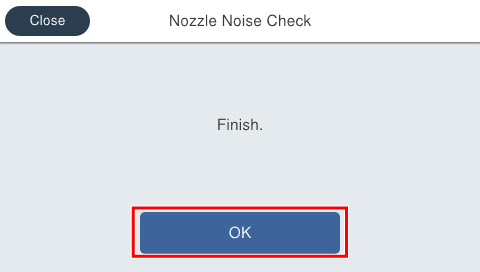
- If the following screen is displayed, press [OK] to complete.
 Check Point / チェックポイント
If an error is displayed, confirm that the print head and head FFC are properly assembled. If there is a defect, replace the print head and head FFC with a new one.