
Precautions before Repair Work
Discharging The Stored Electricity
Immediately after powering off the printer, electricity is stored in the electric circuit of printer.
Immediately after powering off the printer, electricity is stored in the electric circuit of printer. If you disassemble the printer in this state, the electricity circuit might short circuit. Therefore, make sure to perform the following operation of releasing the stored electricity before disassembling the printer.
Procedure
- Power Off the printer, and disconnect the AC Cable form the printer.
Push the Power button until Power LED is turned off.
 Caution / 注意
The Power LED lights for a few seconds when the power supply button is pushed. Make sure to push the Power button until Power LED is turned off. (When power LED is turned off, this operation is finished)
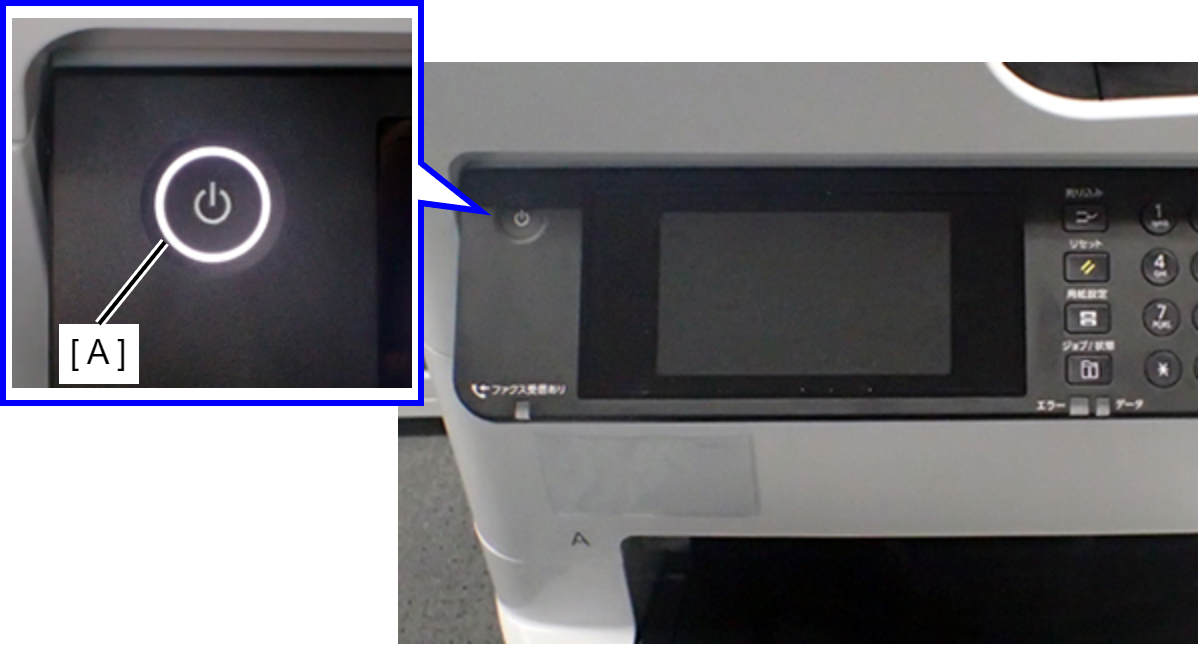
- A: Power LED lights when power supply button is pushed.
Parts You Should Beware Of During Repair
To prevent injury during disassembly/reassembly of the product, the parts with a potential danger when handling them are listed below. Take extra care during disassembly/reassembly.
ADF/SCN Unit
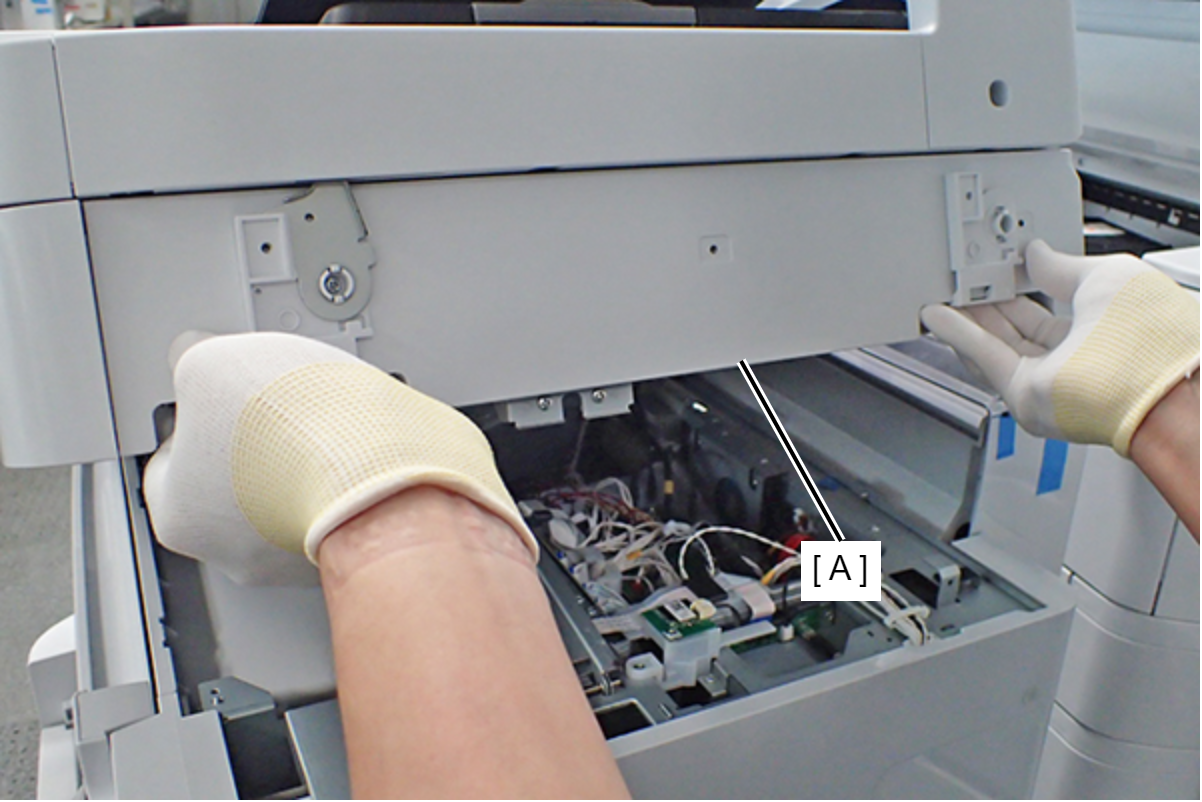
When opening and closing the ADF/SCN Unit (A), hold the handles with both hands while taking care not to nip your hands or fingers.
Ink pack
- Carrying form
When carrying Ink Packs, carry them inserted into their individual packing boxes regardless of whether the Ink Packs are new or already in use. (This is to prevent Ink Packs from folding or being damaged in other ways.)
- Operation when ink packs are loaded into the main unit
Install the Ink Packs by the following basic procedure.
| Caution / 注意 |
|
- Install Ink Packs according to the method described on the label clearly indicated on the Ink Pack Tray.
- After attaching the Ink Packs in the Ink Pack Tray, level the ink in the Ink Pack so that it is not lop-sided.
- Attach the Ink Pack Tray onto the main unit.