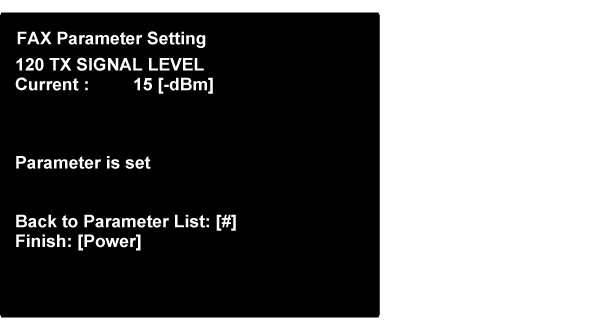
Example of setting change in input type parameter
"Transmission signal level (TX SIGNAL LEVEL)" Change the initial value "-10dBm" to "-15dBm".
- Input the applicable item’s number(060), and push the [#]button.
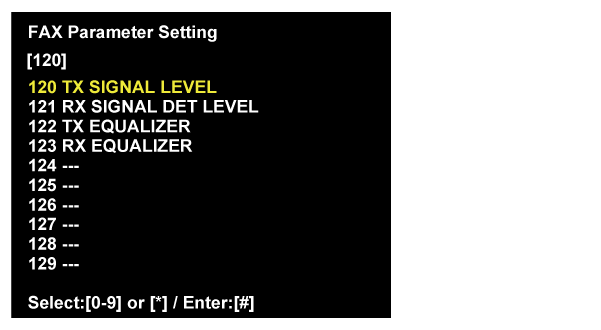
- Setting change screen is displayed.
Input the setting value (15) by number key, and push the [#]button.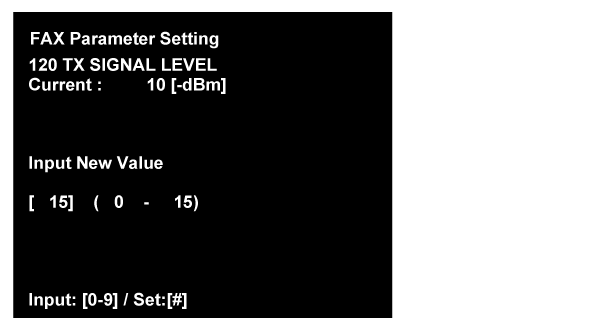
- The following complete message is displayed.
When changing the parameter setting continuously, push the [#] button and move to the parameter select screen.
When finish the parameter setting, push the [Power] button and turn off the printer.