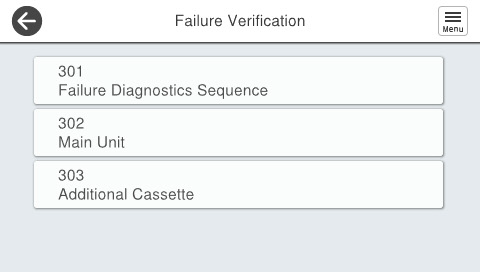
Failure Verification Function
Failure Verification is a mode for checking whether or not motors and sensors are operating normally for when a service agent on site investigates the cause of an error when a service call has been made. Its purpose is to reduce downtime at the service site.
With regard to electrical components such as motors, sensors, and solenoids, this function can operate each of them individually so it can be used to narrow down the cause of a failure.
Failure Verification Mode Starting Method
- Start the printer in the service mode. (Starting Service Support Mode)
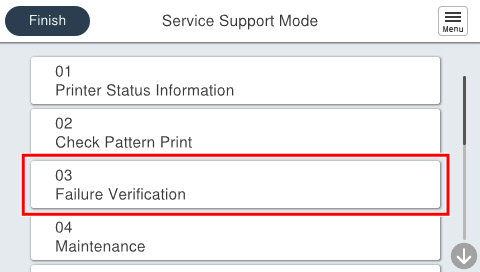
- Select [03 Failure Verification] from the service support mode menu.
Select any of the following menus, and perform the individual operation check for the motor / sensor / solenoid.