
08 USB Memory FW Update
 important / 重要 important / 重要 |
|
Preparation
 Check Point / チェックポイント Check Point / チェックポイント |
||||||
|
- Connect the USB memory to the PC, and create a folder named with the following names in the hierarchy immediately below the USB memory.
FWCL32TL
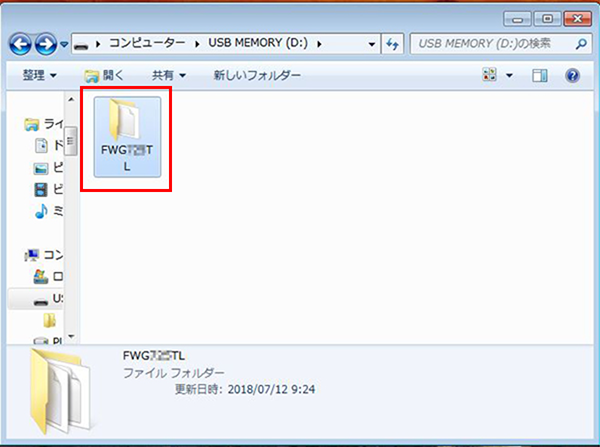
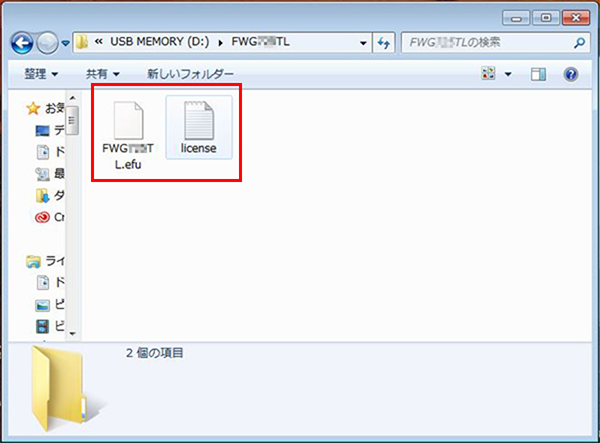
- Store the two firmware data and the license data in the folder.
Procedure
- Start service support mode. (Starting Service Support Mode)
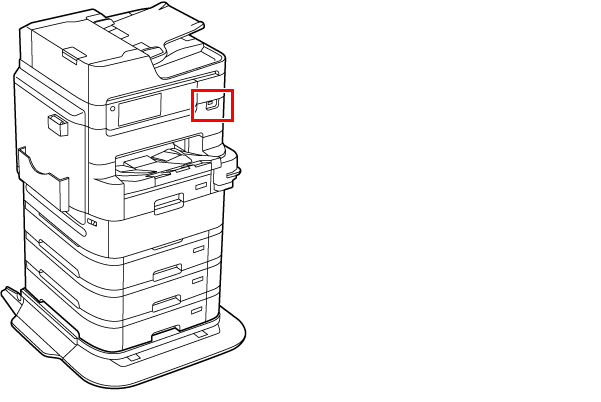
Connect the prepared USB memory to the USB port.
- Select [08 USB Memory FW Update].
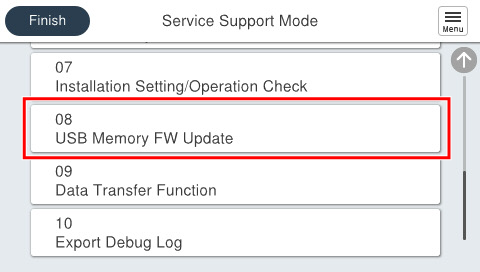
- Press [Start].
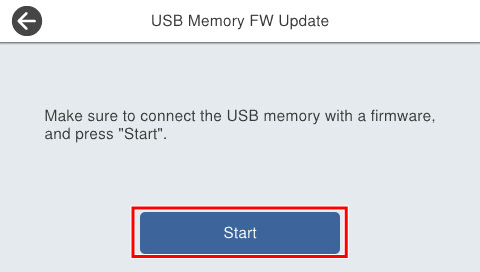
- The firmware execution confirmation screen is displayed, and the current firmware version and the updated firmware version are displayed.
- Check the firmware version, and select [Execute] to start updating.
- After the firmware update is completed, restart automatically.
- Once the product restarts, disconnect the USB memory.