20110 CR & PF Pattern(Dup)

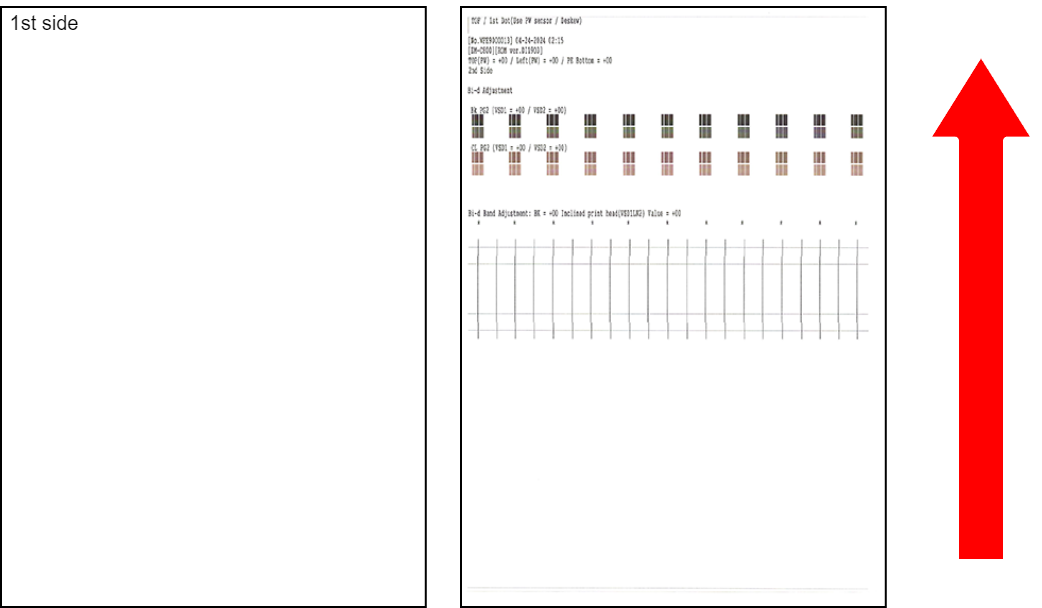
Program No. Program Name Specifications Pattern Image
(Paper Feed Direction: Arrow Direction)
Target Image Quality Defect
20110 CR & PF Pattern(Dup)
  • Judgment method
    • Is the distance between the horizontal line on the back side and the top edge of the paper within 3±1.0 mm.

    • Is the distance between the vertical line on the back side and the left edge of the paper within 3±1.5 mm.

    • Any overlapping of the upper and lower blocks or any white band in the center patch on the back side?

    • Are the upper and lower lines printed straightly inside the judgment area on the back side?

  • Paper size: A4/Letter
  • Paper type: Plain paper
  • Number of prints: 1

  • 1st dot position misalignment, paper skew when printing on the back side
  • Printing start position misalignment when printing on the back side
  • Bi-d Adjust failure when printing on the back side (condition: PG2)
  • Bi-d Band Adjust failure when printing on the back side (condition: PG2)
Procedure
  1. Start service support mode. (Starting Service Support Mode)
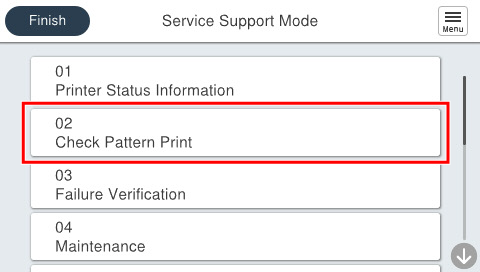
  2. Select [02 Check Pattern Print].
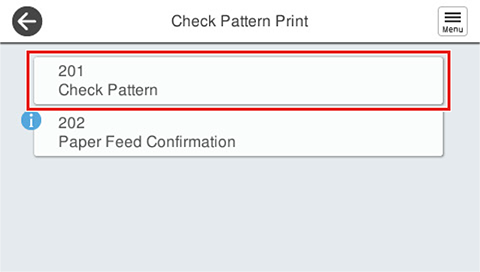
  3. Select [201 Check Pattern].
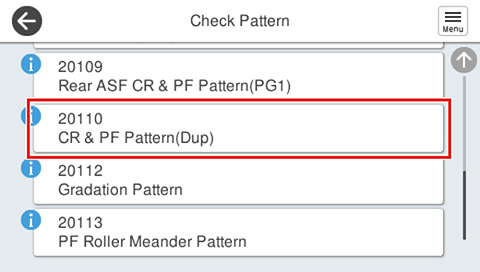
  4. Select [20110 CR & PF Pattern(Dup)].
  5. Press each setting item button to make print settings.
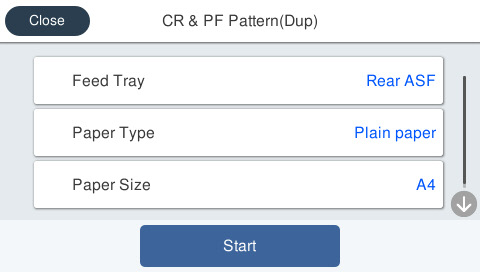

    Setting Items Choice Remarks
    Feed Tray Rear ASF Setting change not possible
    Paper Type Plain Paper Setting change not possible
    Paper Size A4 / Letter ---
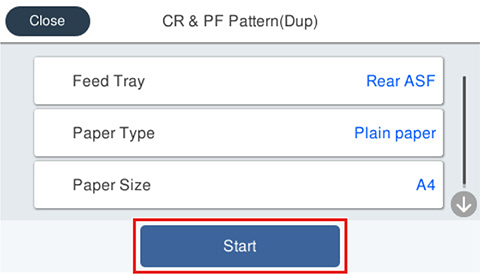
  6. Load paper in the selected feed tray and press [Start].
  7. Check the output pattern status.
    (Refer to Remedy of When the Check Pattern is not appropriate “CR・PF Pattern (Dup)”.)