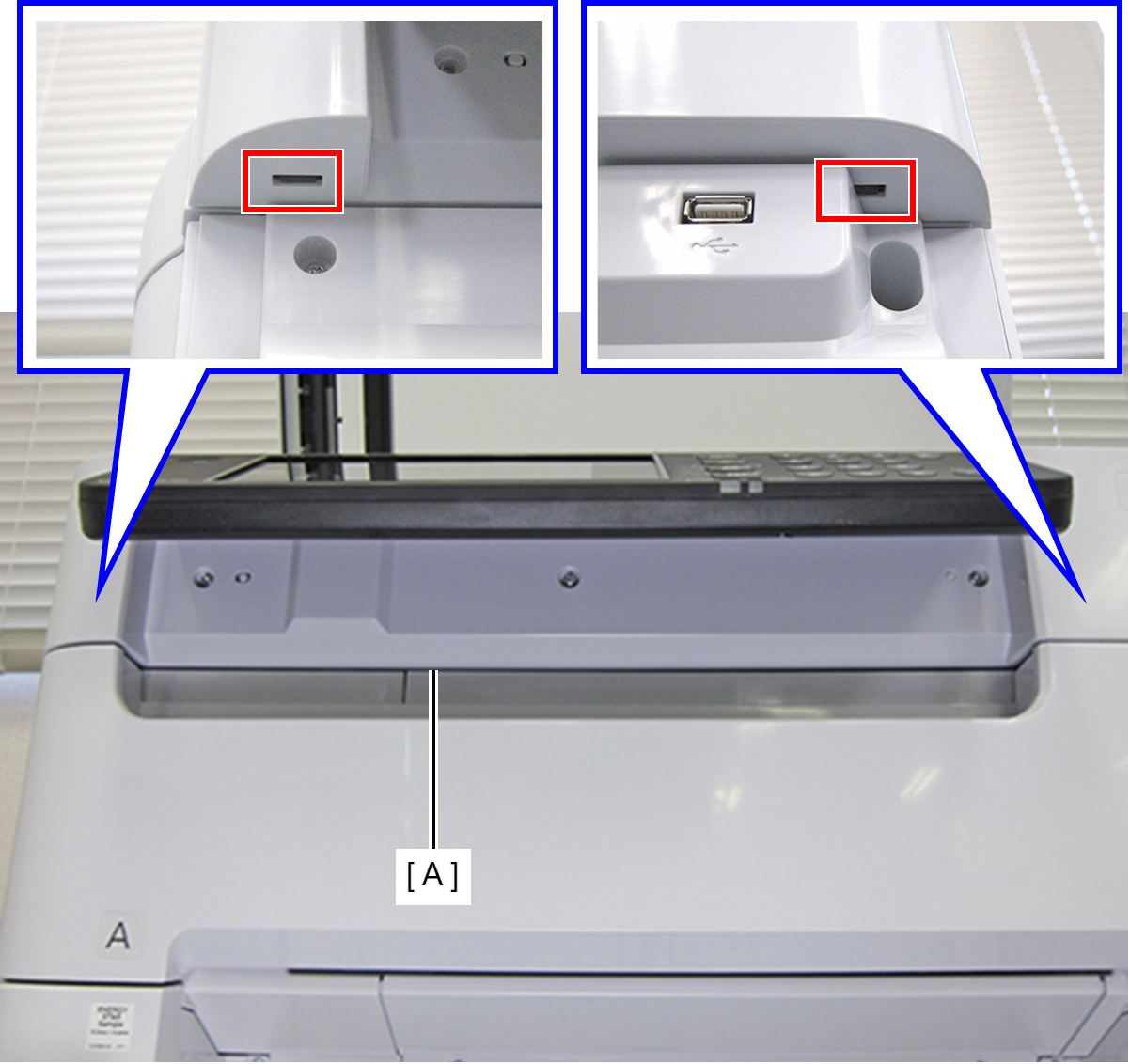
Front SC Cover
- Open the ADF Unit.
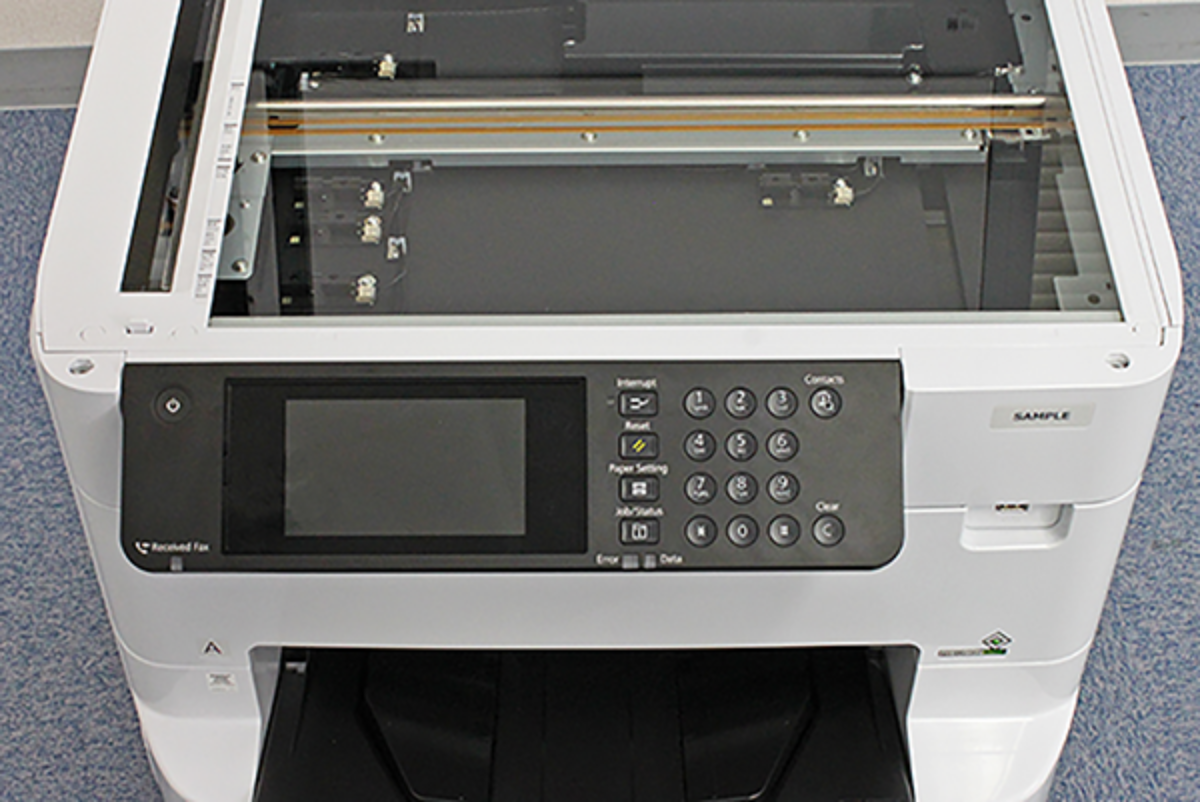
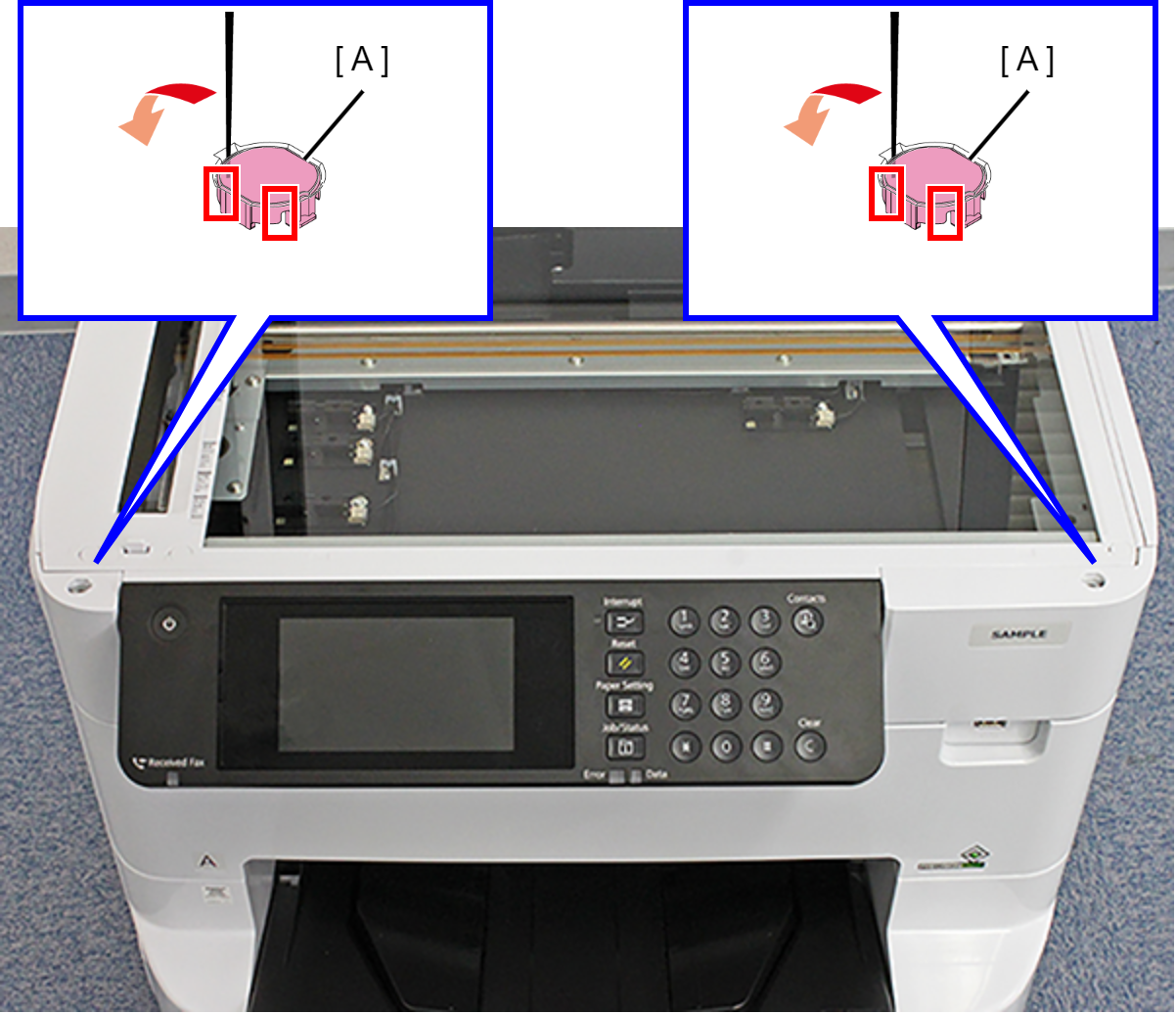
- Release the hook by inserting a narrow-tipped object, such as tweezers or the like, as shown above, and remove the two SCN Housing Caps (A).
- Remove the two screws.
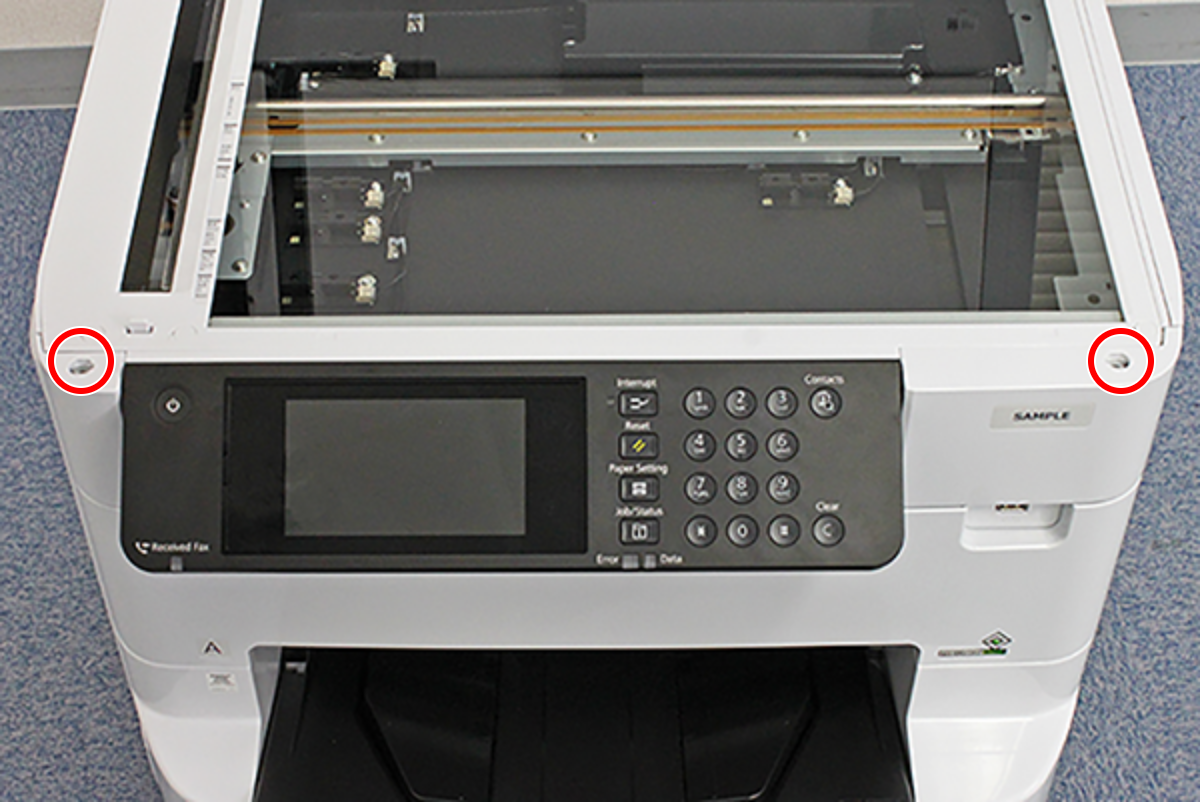
 : C.B.S-TITE-SCREW-3x8-F.ZN-3C
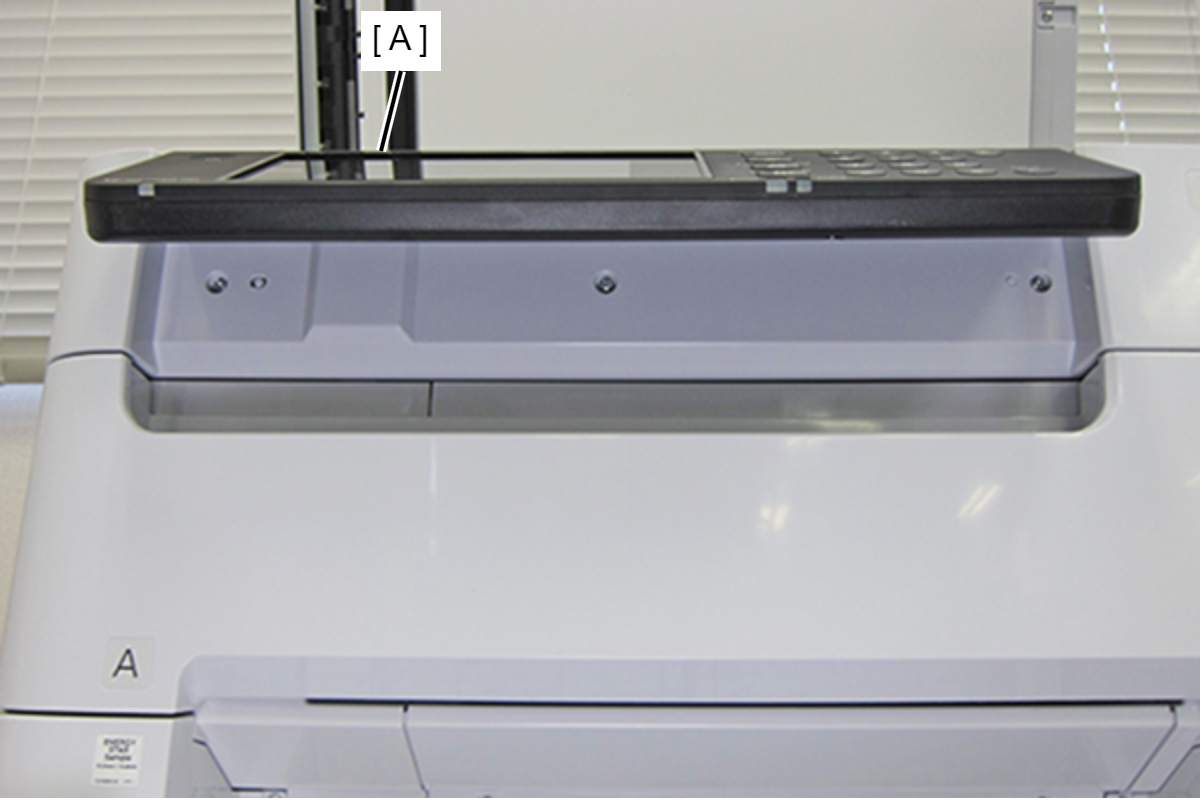
- Open the Panel Unit (A).
- Remove the three screws.
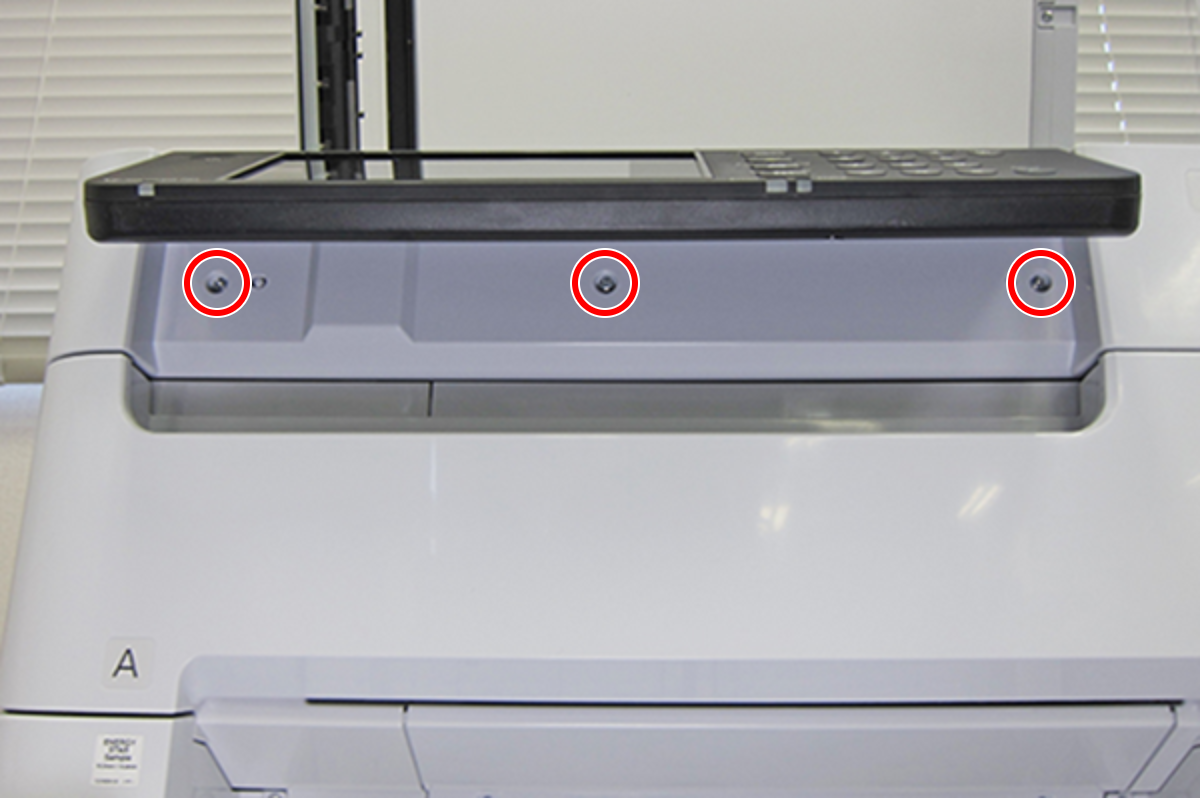
- : C.B.S-TITE-SCREW-3x8-F.ZN-3C
 Check Point / チェックポイント
- The three screws fastening the Front SC Cover are mounted facing downward, so it is possible to remove the screws from below the Panel Unit.
- Open the Front Cover Assy (A).
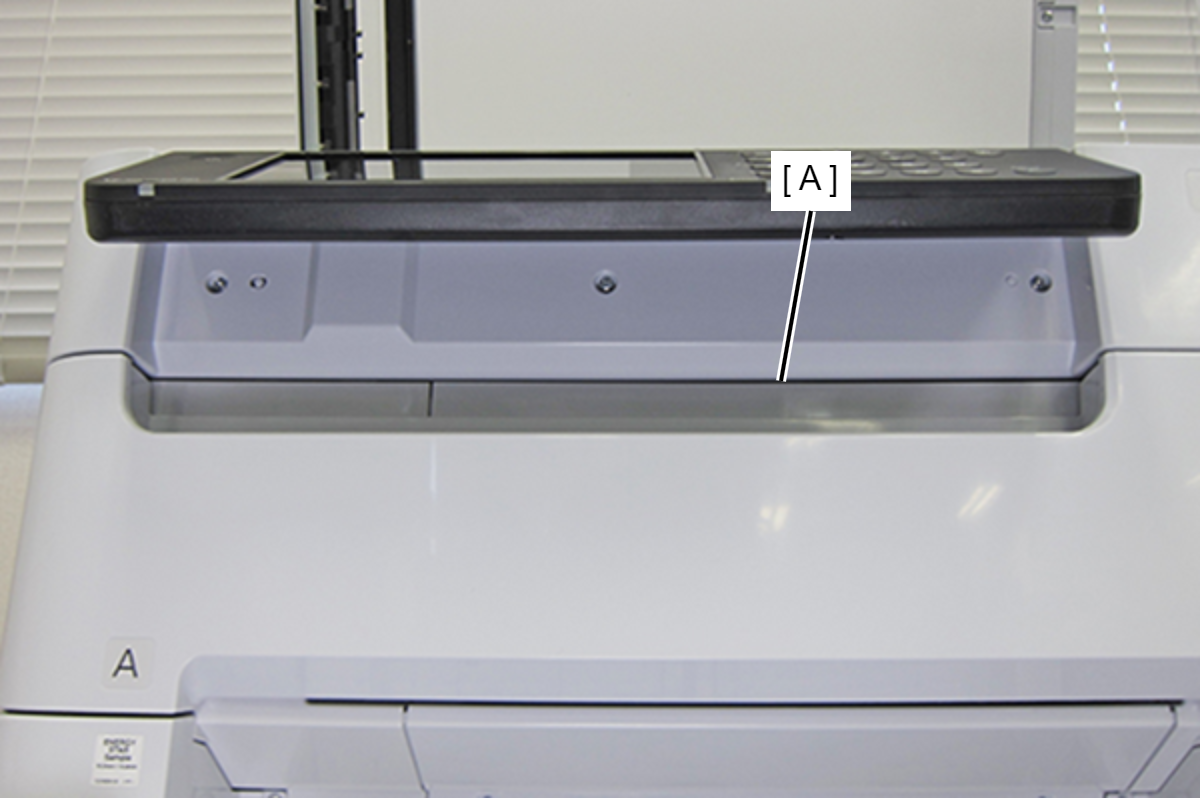
- Release the two hooks and remove the Front SC Cover (A).