
ADF LD Roller After Parts Replacement
Procedure
- Turn the power ON.
- Press [Start].
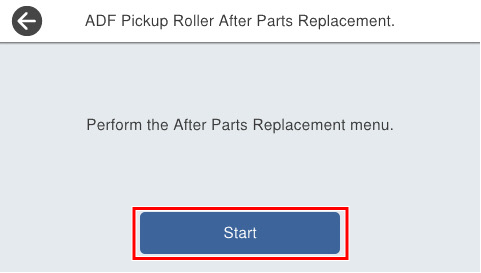
- Press [Start].
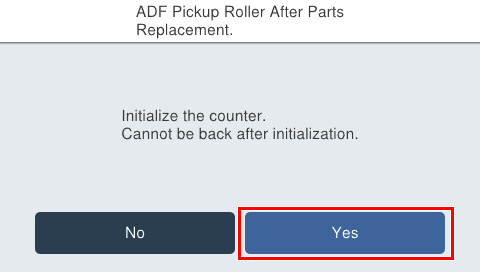
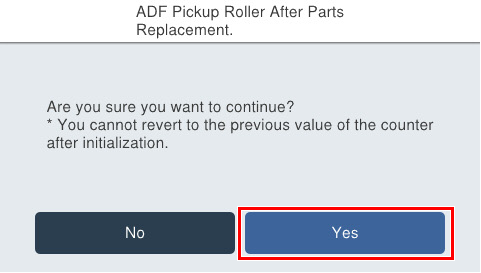
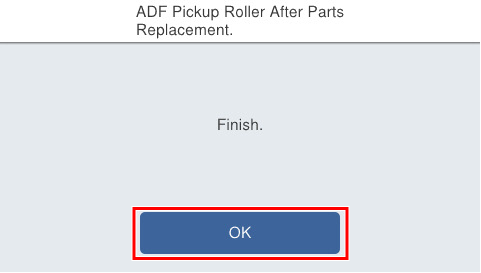
If the following screen is displayed, press [OK] to complete.
 Check Point / チェックポイント Check Point / チェックポイント |
After execution, if “Adjustment failed” is displayed, either press [Initial value] to write the initial setting value, or press [Readjust] after setting the chart in the ADF tray and perform adjustment. |