
Data Restore
Overview
Restore the backed-up printer specific information from the back up area to the PCB Rom that was moved from the faulty printer.
Execution timing
After swapping the product
Work procedure
- Start the Pritner by Service Support Mode.
- Select the “Swap Mech Unit: MENU” from Service Support Mode Top menu.
- Select the “Data Restore” from Swap Mech Unit:Menu.
- Push [#] Button, and execute the data Restore.
- When Data restore is complete, following message is displayed.

 Check Point / チェックポイント
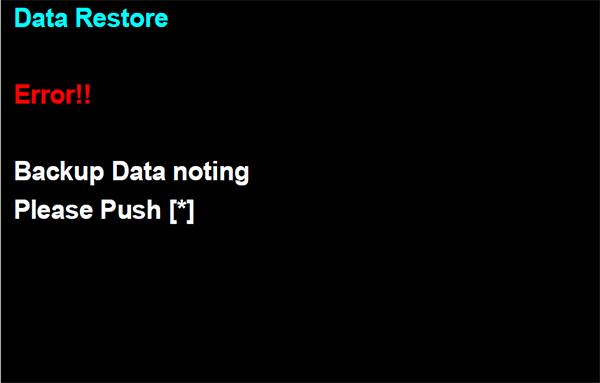
- If backup data is not saving to the backup storage area of Main Board, following message is displayed.
- When Data restore is finished correctly, backup data is deleted automatically.
- If backup data is not saving to the backup storage area of Main Board, following message is displayed.