How to Start up the Line Measurement Mode
- Start the “FAX Maintenance Mode”.
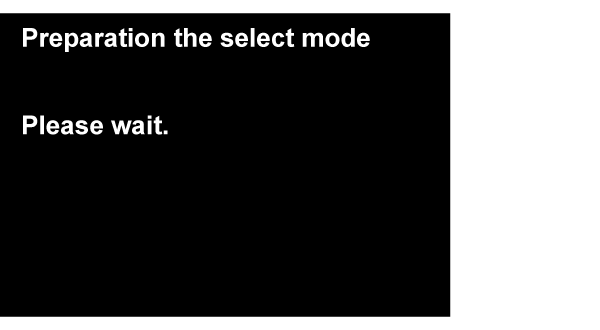
Press and hold down the power button while pressing the [#] button from the power-off state until a message appears on the panel LCD.

Input the ID Number.
Input the ID Number by the following operation method.
Operation methodNumber input (move in ascending order) : [2] button
Number input (move in descending order) : [8] button
• Input digit shift: [6] button
• Execute: [#] button Check Point / チェックポイント
Enter “91170“ when starting the FAX Maintenance Mode.
After entering the ID number, press the [#] button, and make sure the following confirmation screen appears.
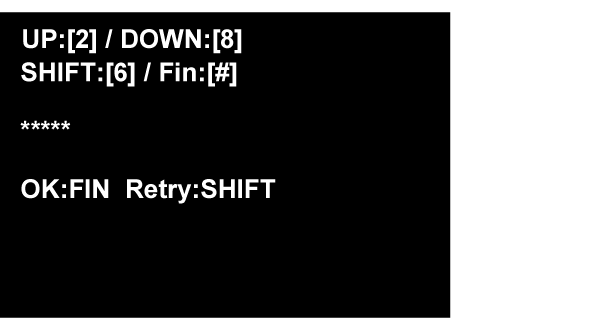
Push the [#]button on confirmation screen, and confirm that “Authentication Mode” is started.
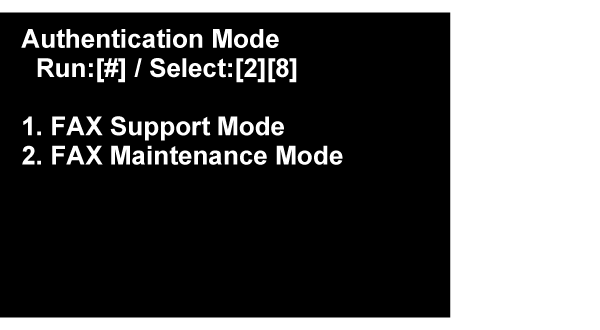
Select the “FAX Maintenance Mode”, and push the [#] button.
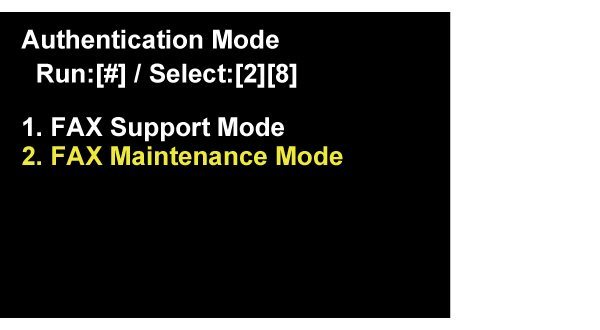
- Start the “Line Measurement Mode”.
Select the “Line Measurement Mode”, and push [#] button.
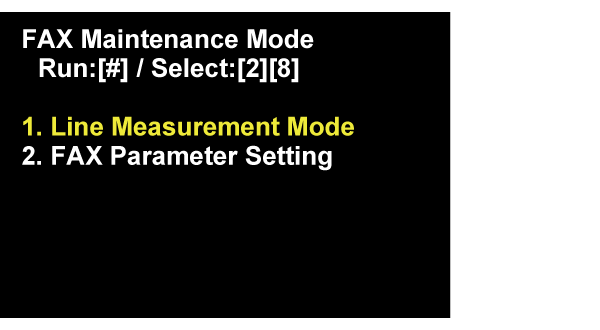
Following screen is displayed on Panel LCD. Waiting until the screen is changed.