
Copy function check
 Check Point / チェックポイント Check Point / チェックポイント |
Confirm the following items in copy function check.
|
Operation check of ADF Unit
- Load paper (A3 size) into the paper cassette.
- Load any document (A3 size) into the ADF unit.
- Select [Copy] from the Home screen.
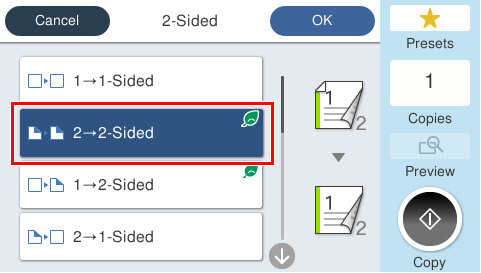
- Press [2-Sided], select [2→2 Sided], and press the Start button to execute copying.
 Check Point / チェックポイント
If you cannot prepare the document (A3 size), perform the following confirmation.
- Load paper (A4 size) into the paper cassette.
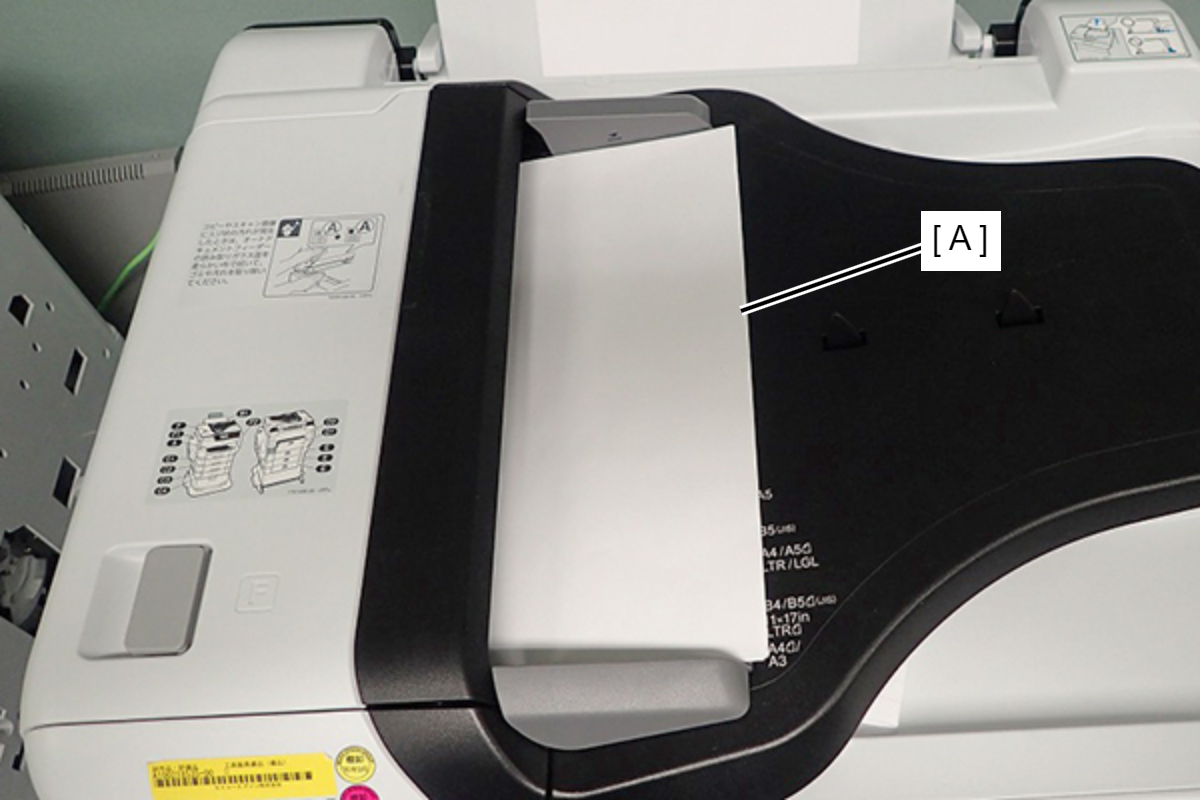
- Load any document (A4 size) vertically into the ADF Unit.
- Select [Copy] from the Home screen.
- Press [2-Sided], select [2→2 Sided], and press the Start button to execute copying.
Operation check of Scanner Unit.
- Load paper (A3 size) into the paper cassette.
- Load any document (A3 size) into the Flatbed.
- Select [Copy] from the Home screen.
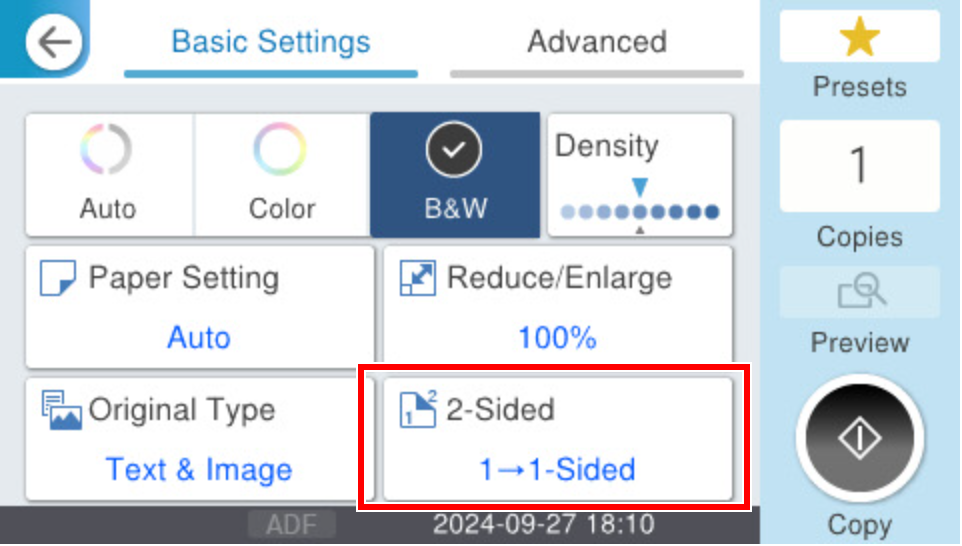
- Press [2-Sided], select [1→1 Sided], and press the Start button to execute copying.
 Check Point / チェックポイント
If you cannot prepare the document (A3 size), perform the following confirmation.
- Load paper (A4 size) into the paper cassette.
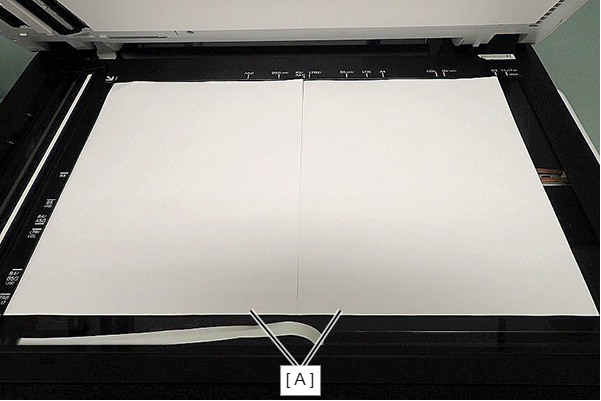
- Place two documents (A4 size) side by sided.
- Select [Copy] from the Home screen.
- Change the Copy setting like the following setting, and press the Start button to execute copying.
Paper setting : A4
Reduce/Enlarge : Auto
2-sided : 1→1 Sided
- Installing the Printer driver/Scanner driver. (Multifunction printers only)