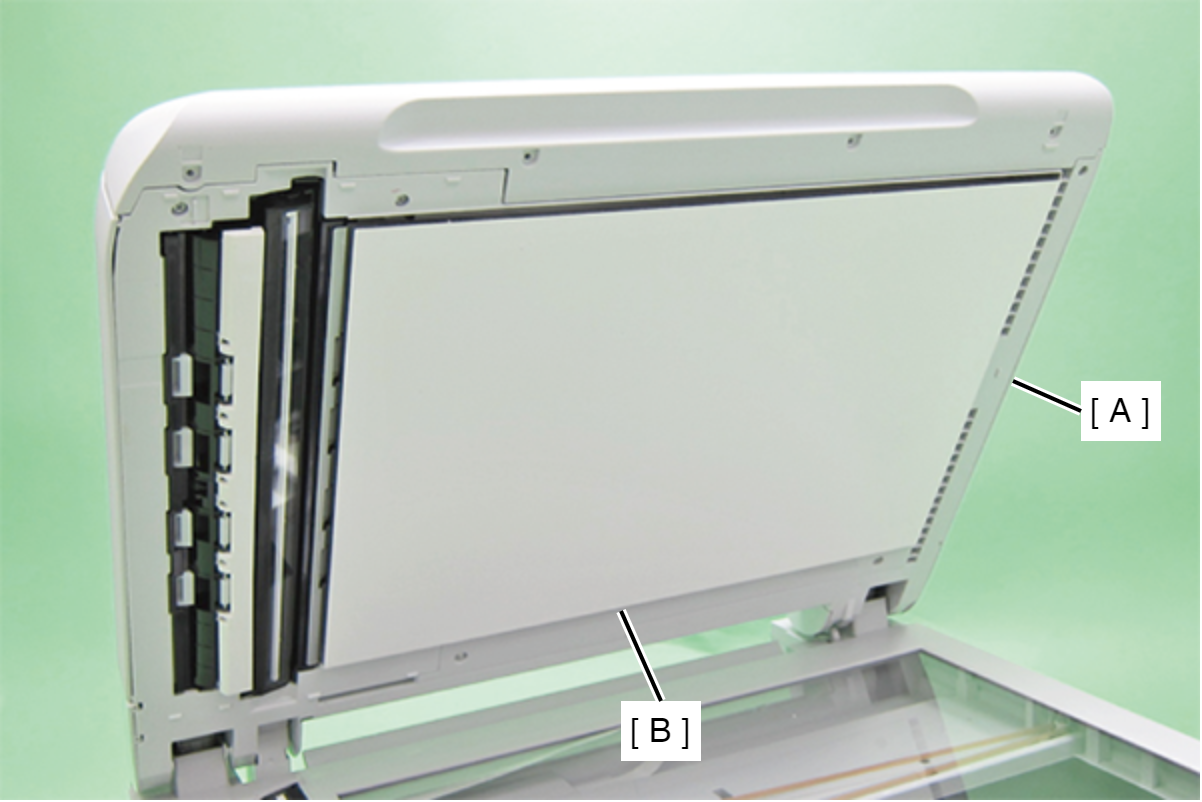
Document Mat Cover Assy
- Open the ADF/Scanner unit (A).
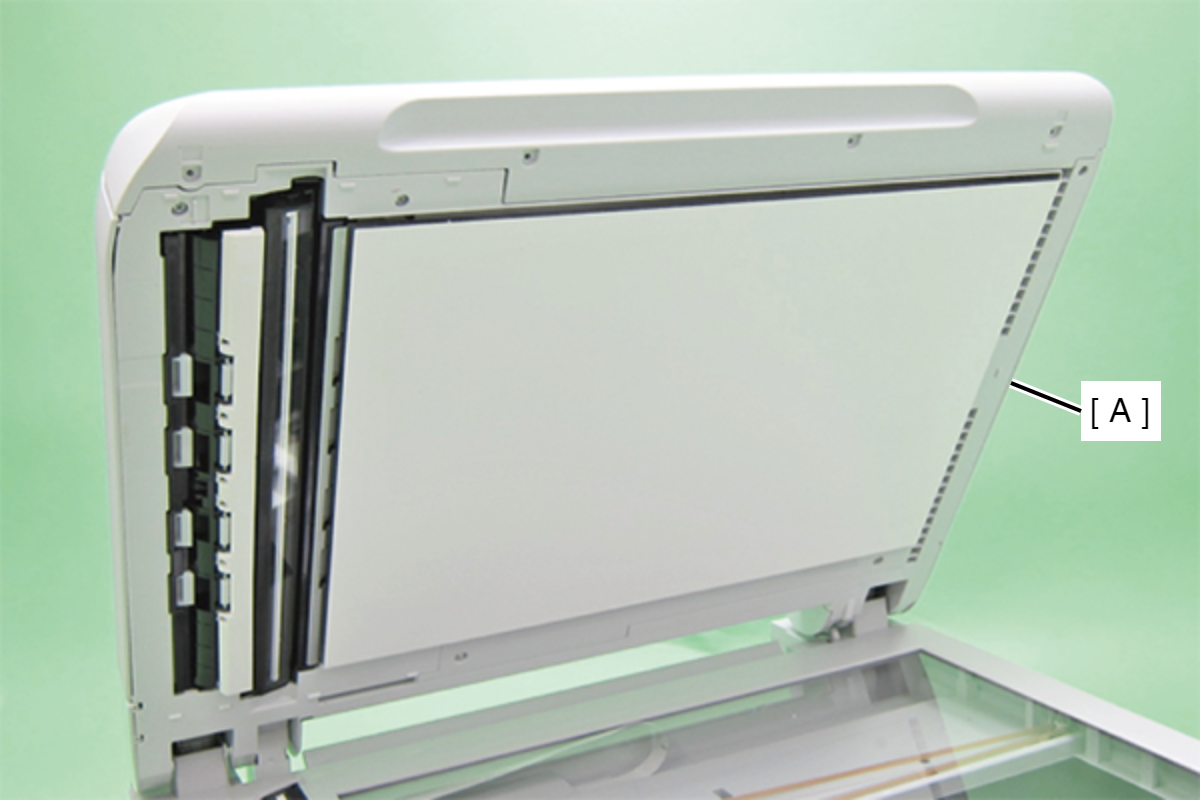
- Remove the Document Mat Cover Assy (A).
 Assembly / 組み立て
Install the Document Mat Cover Assy in the following procedure.
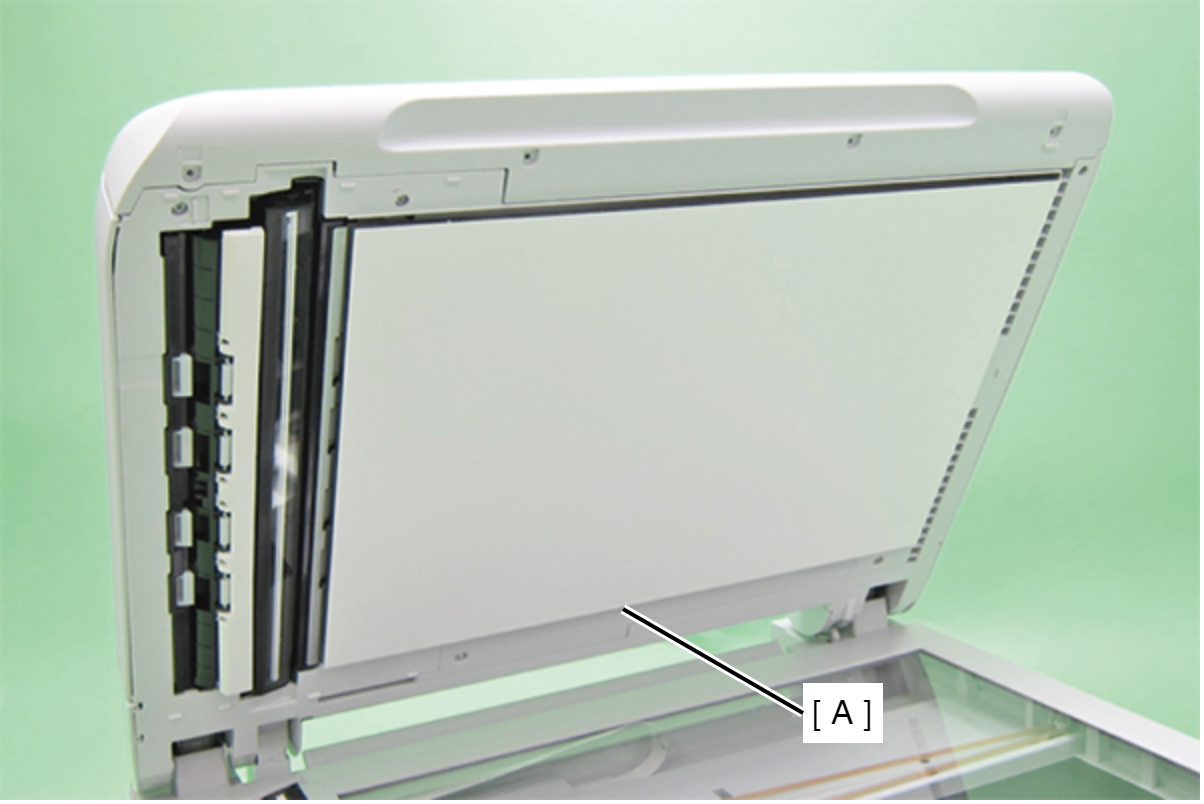
- Peel off the Protection material of Double side tape of Document Mat Cover Assy (A).
- Put the Document Mat Cover Assy on scanner glass. Note the following points.
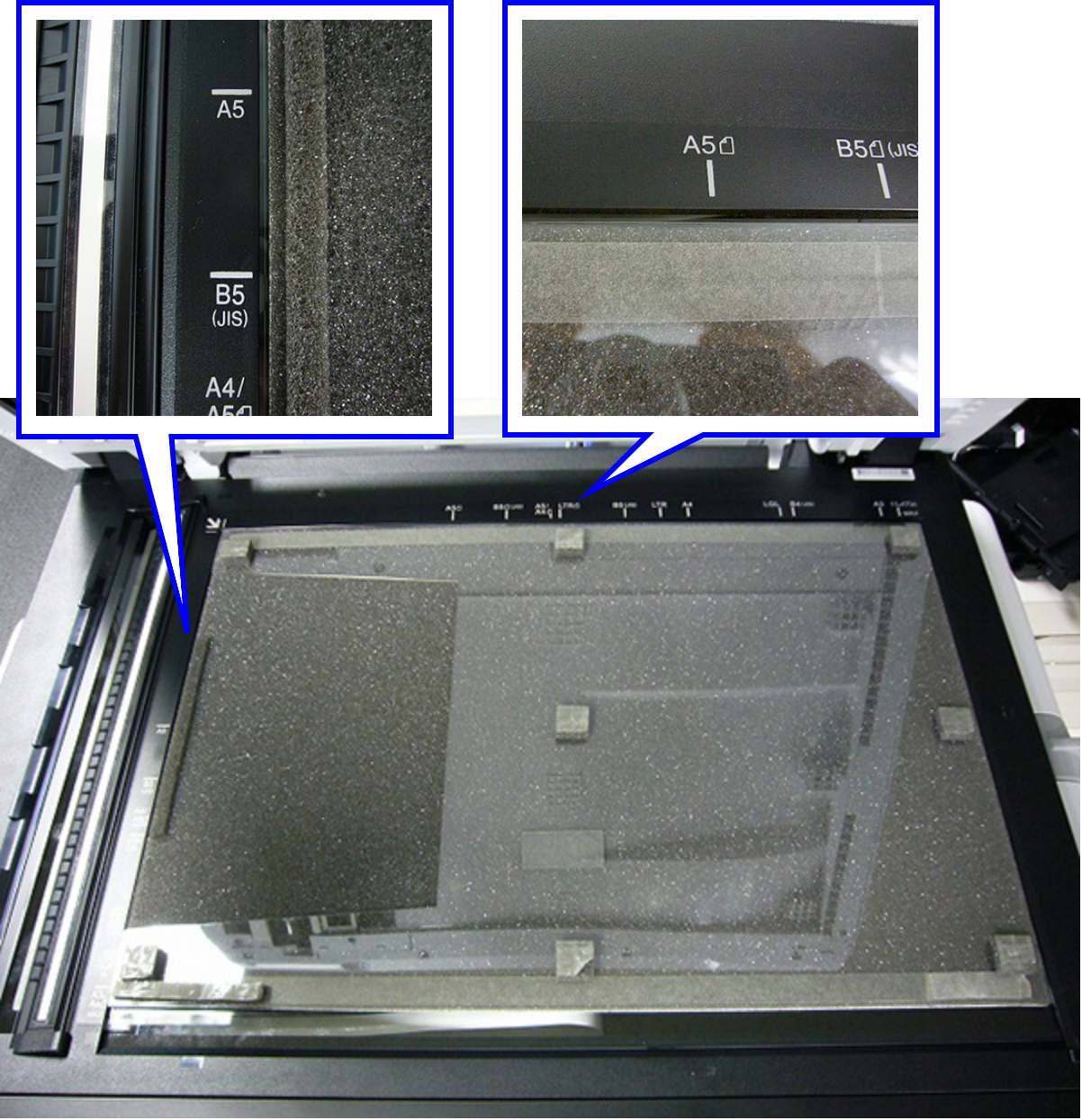
- Put scanner mat cover assy in the direction of the figure.
- Separate the top and left sides of the scanner mat cover 1 mm from the scanner glass frame.
- Put the Document Mat Cover Assy so that the notch of the cover faces the left side.
- Close the ADF/SCN Unit (A) slowly, then install the Document Mat Cover Assy (B) to ADF/SCN Unit (A).