
Setting a proxy server
- Switching to the proxy server settings screen
- Tap [Do not use] of the Proxy Server.
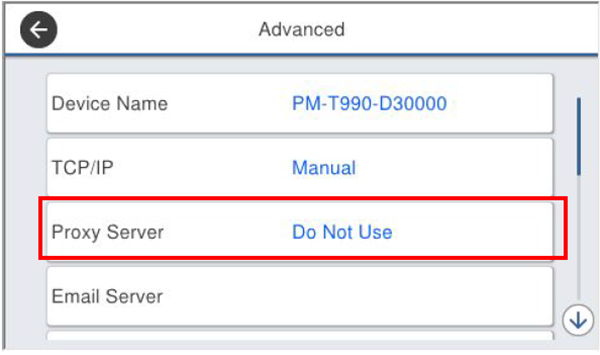
Check that the Proxy Server Settings screen is displayed.
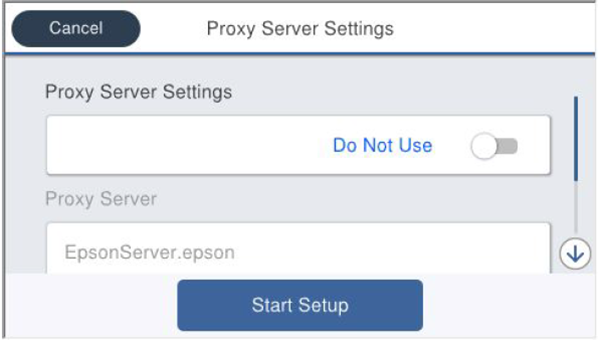
- Tap [Do not use] of the Proxy Server.
- Setting use of proxy server
- Tap [Do not use] of the Proxy Server Settings.
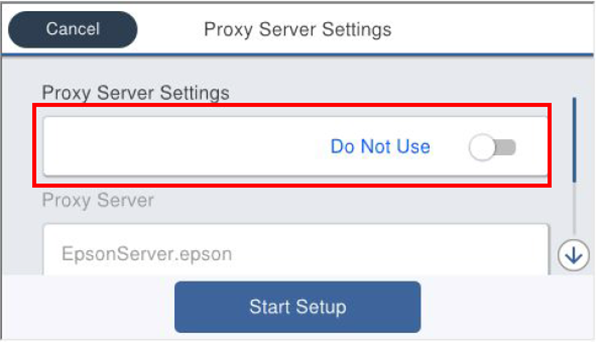
- Check that the Proxy Server Settings is “Use”.
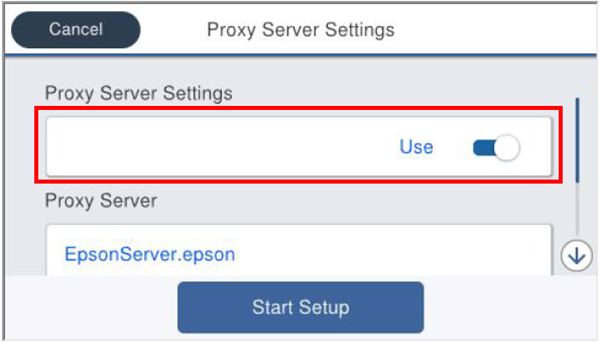
- Tap [Do not use] of the Proxy Server Settings.
- Setting the proxy server
- Tap the URL of the proxy server.
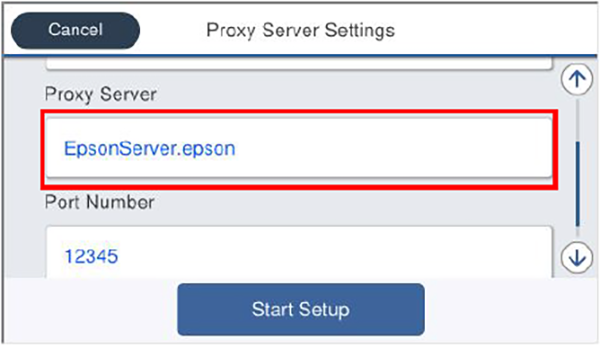
- Check that the input screen appears and then enter an URL or IP address.
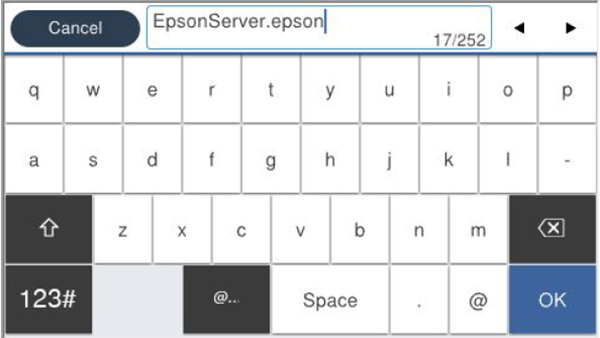
- Tap [OK].
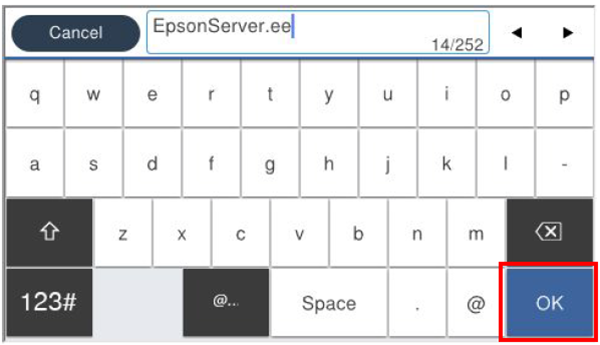
- Check that the proxy server setting has changed.
- Tap the URL of the proxy server.
- Setting the port number of the proxy server
- Tap the port number.
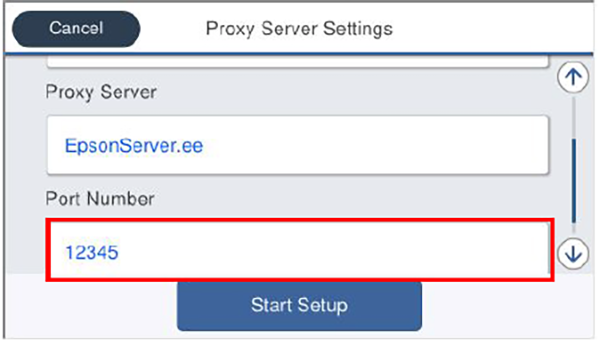
- The software keyboard appears. Enter the port number based on the hearing sheet.
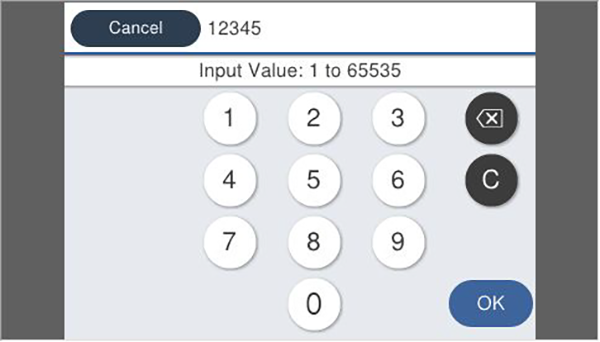
- Tap [OK].
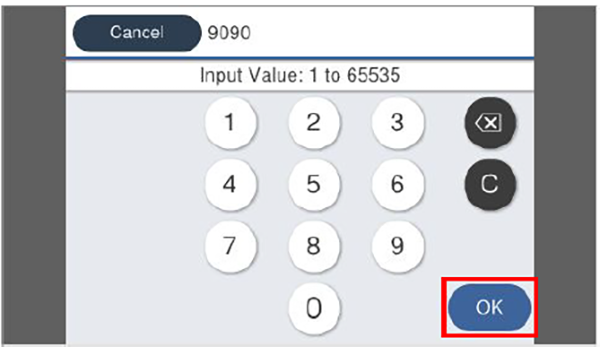
- Check that the port number has changed.
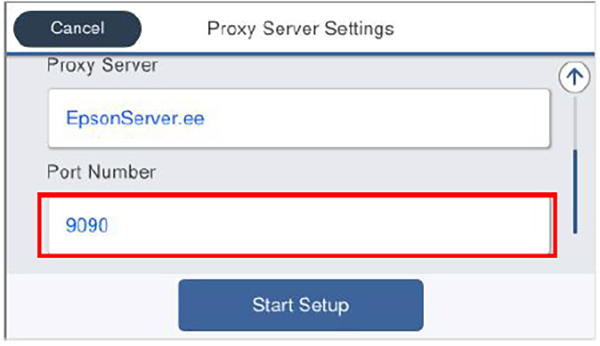
- Tap the port number.
- Saving the settings
- Tap [Start Setup].
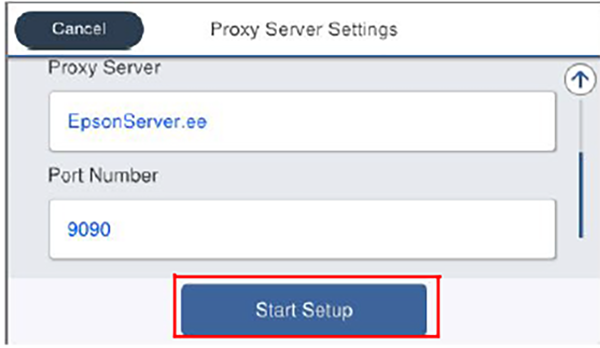
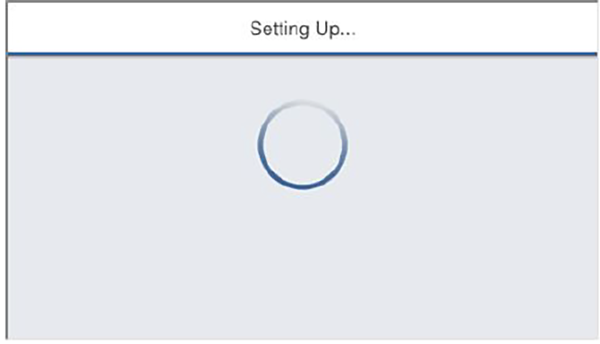
- Wait until the settings are reflected.
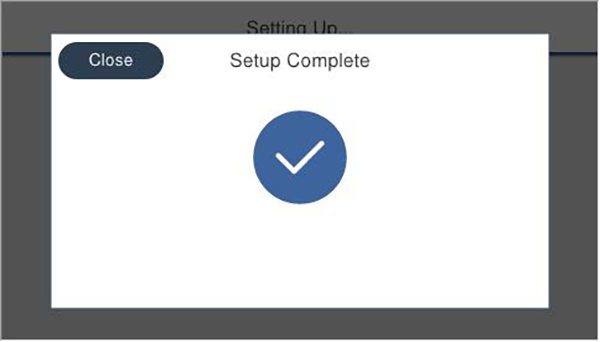
- Check that the Setup Complete screen is displayed.
- Print the network status sheet and check the setting state.
- Tap [Start Setup].