RIPS Drive Roller
- Remove the screw on the rear side of the product, then remove the Paper Jam Clear Cover Holder (A).
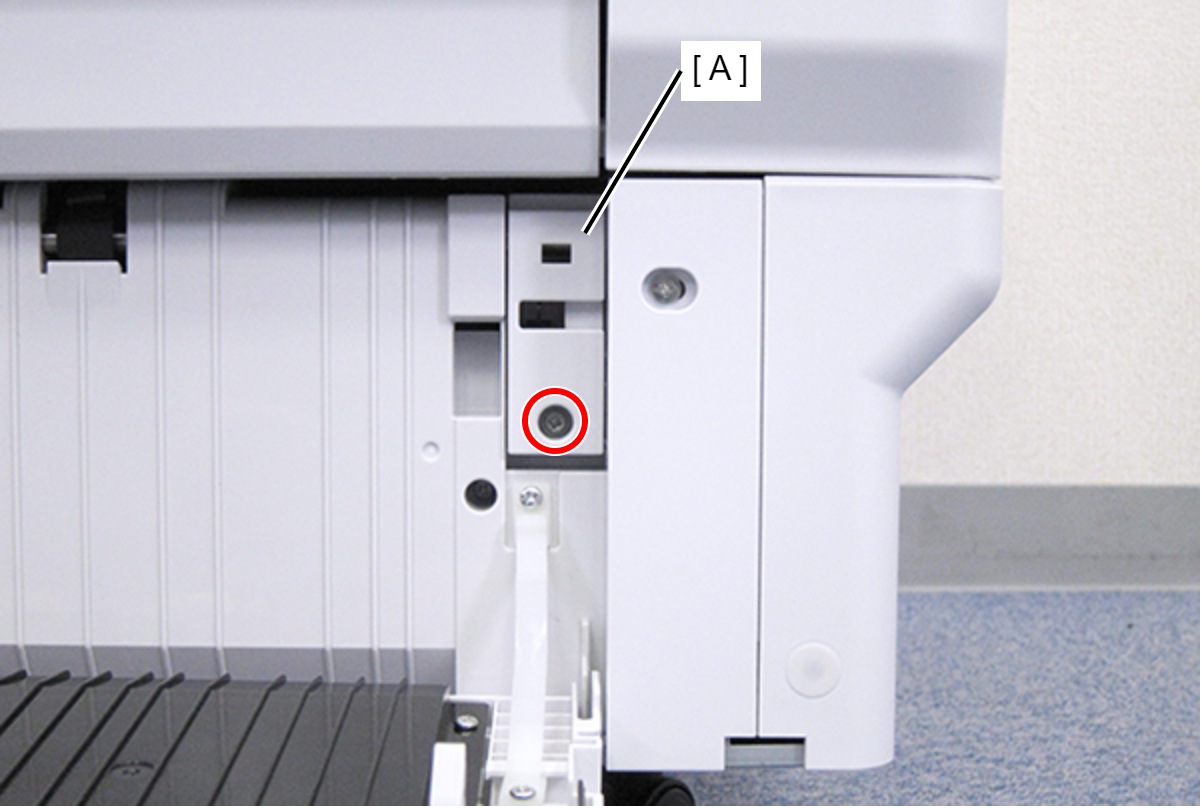
 : C.B.S-TITE-SCREW-3x8-F.ZN-3C
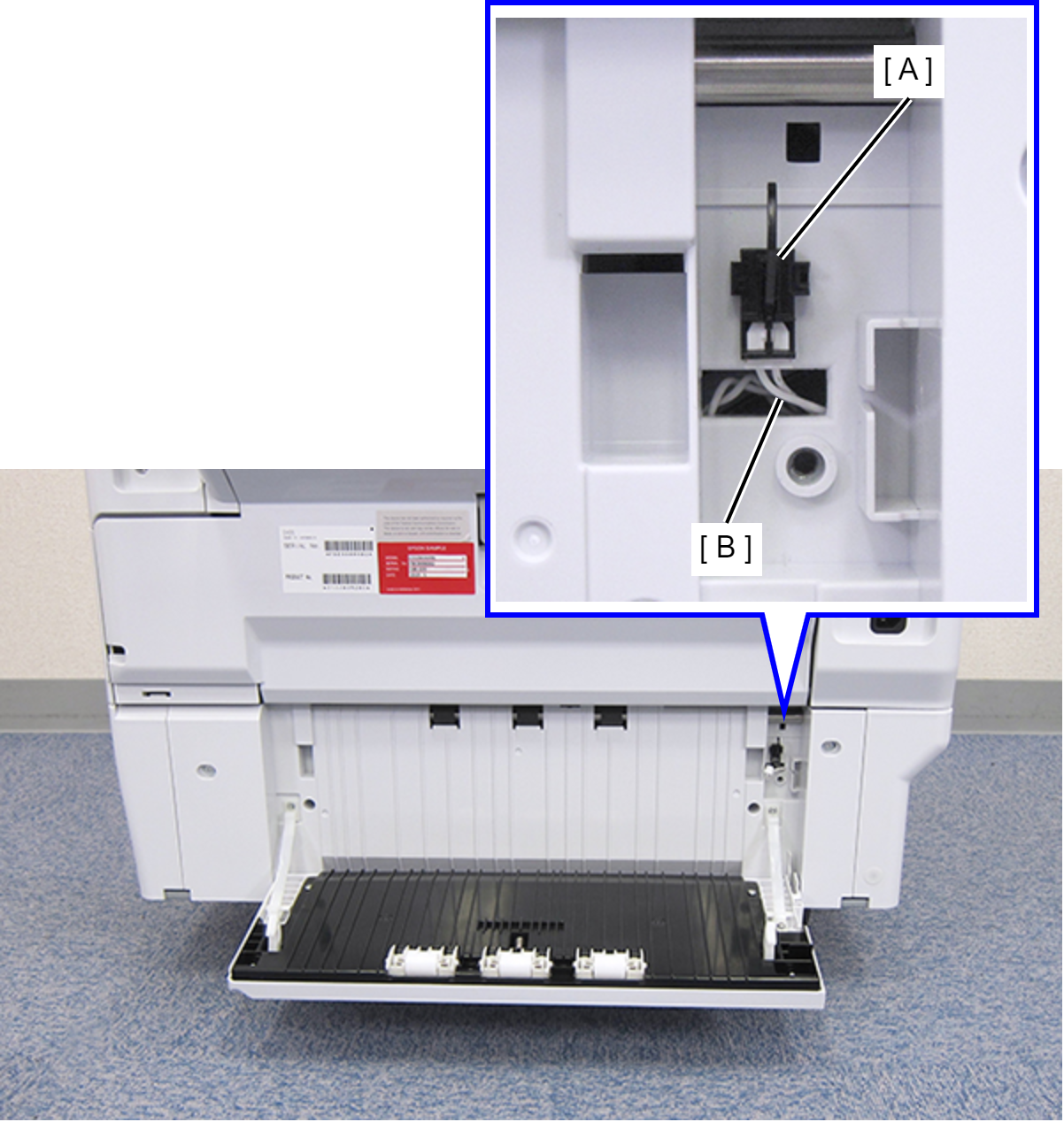
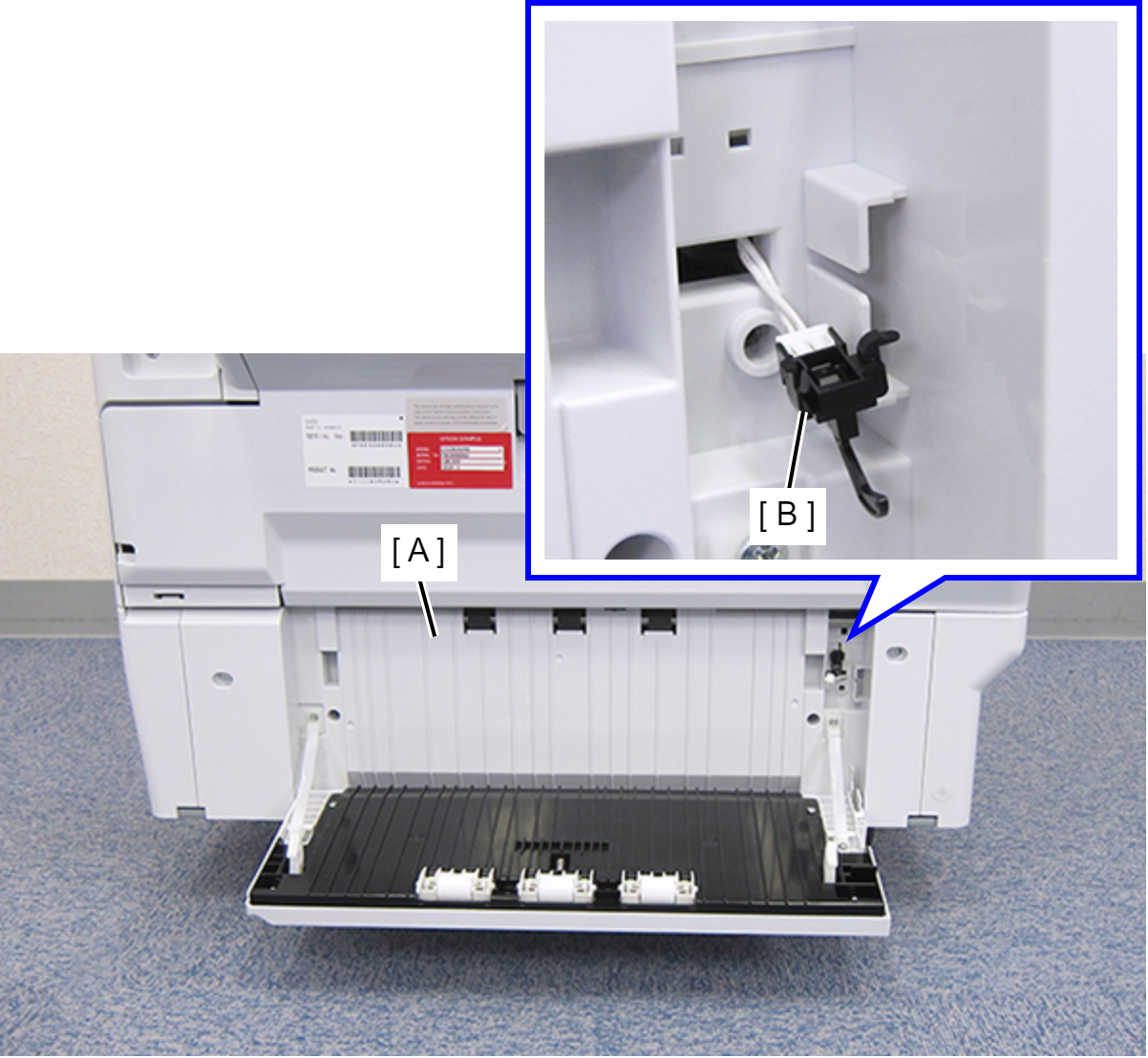
- Disconnect the cable (B) from the connector of the Paper Jam Clear Cover Sensor (A).
- Remove the four screws that secure the Rear RIPS Housing Assy (A).
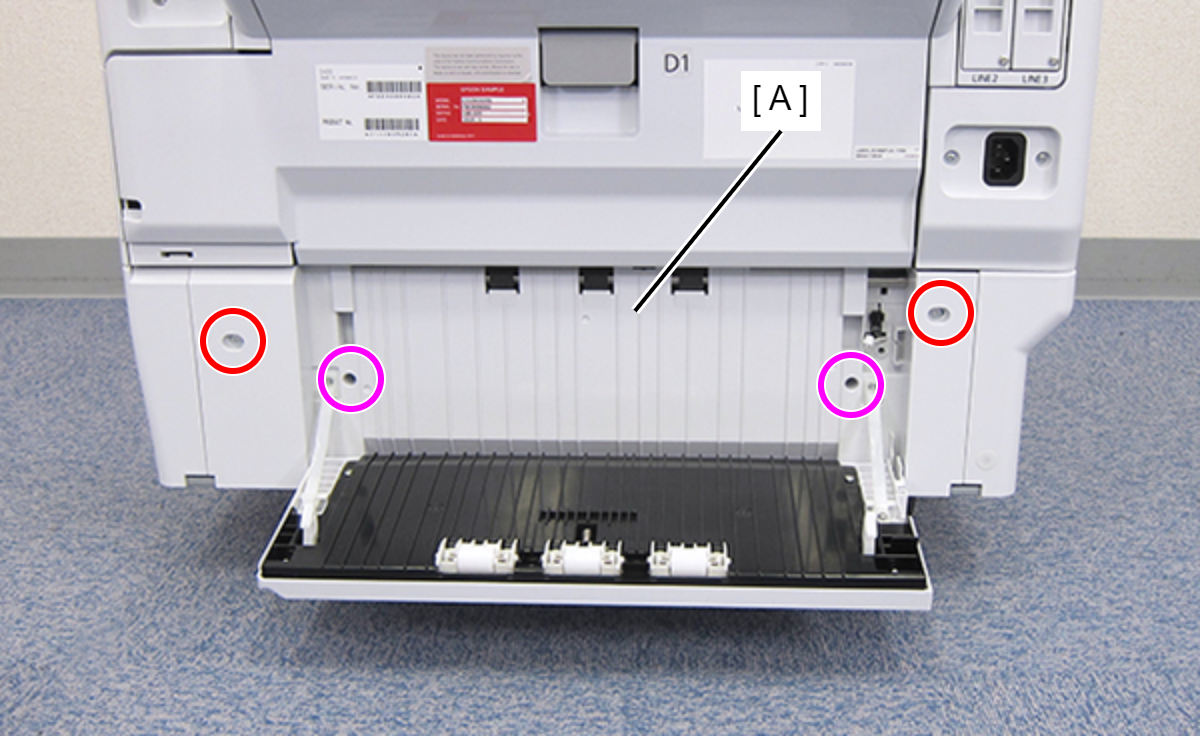
 : C.SHOULDER S-TITE,3X5
 : C.B.P-TITE-SCREW-3x10-F.ZN-3C
- Remove the Rear RIPS Housing Assy (A) pulling out the cable (C) through the hole (B) of the assy.
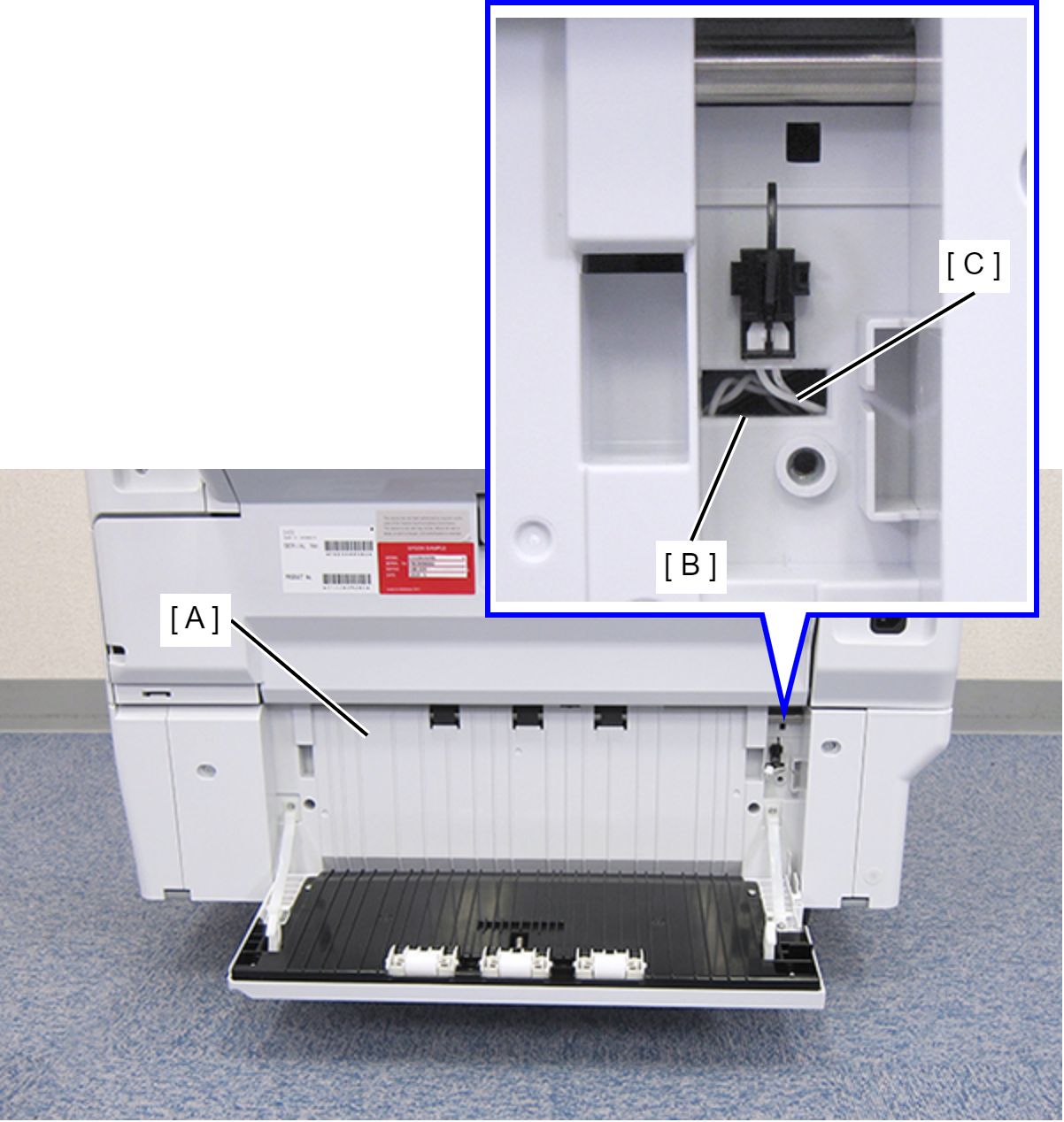
 Assembly / 組み立て
Before reinstalling the Rear RIPS Housing Assy (A), remove the Paper Jam Clear Cover Sensor (B). After connecting the cable, install the sensor to the Rear RIPS Housing Assy.
- Remove the two screws.
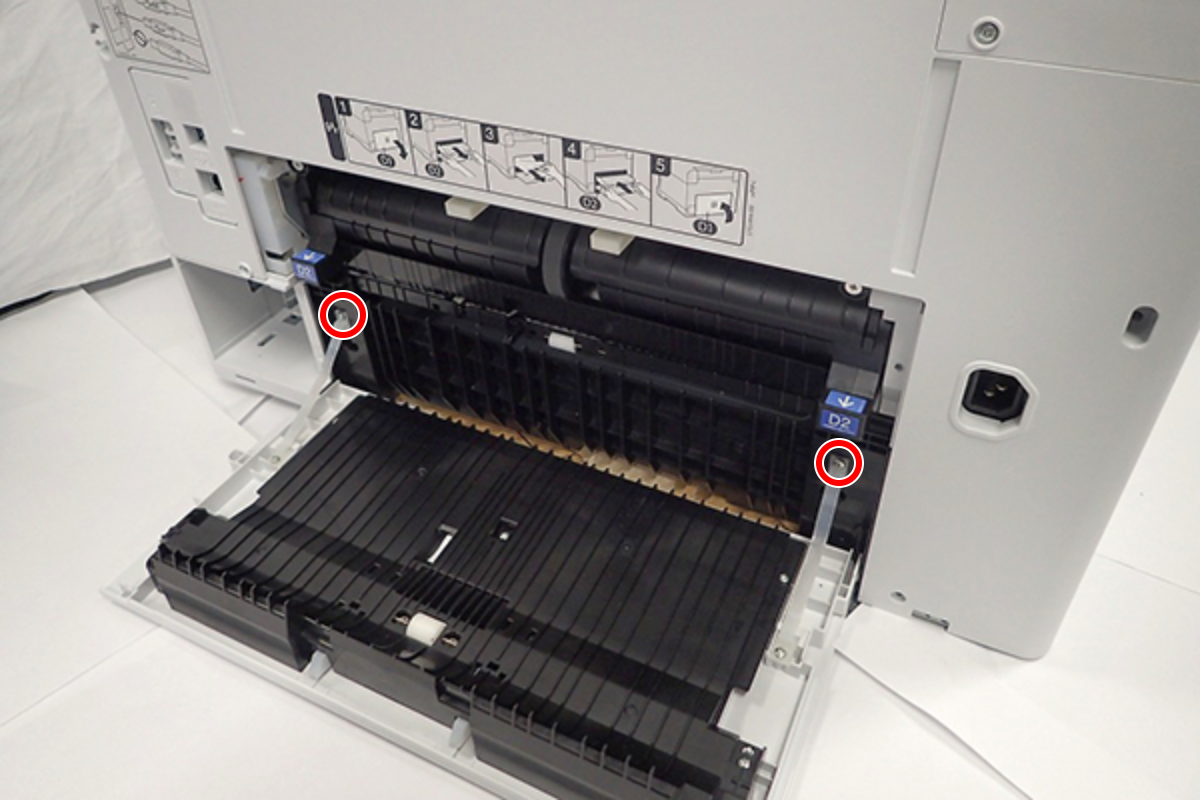
- : C.B.P-TITE-SCREW-3x10-F.ZN-3C
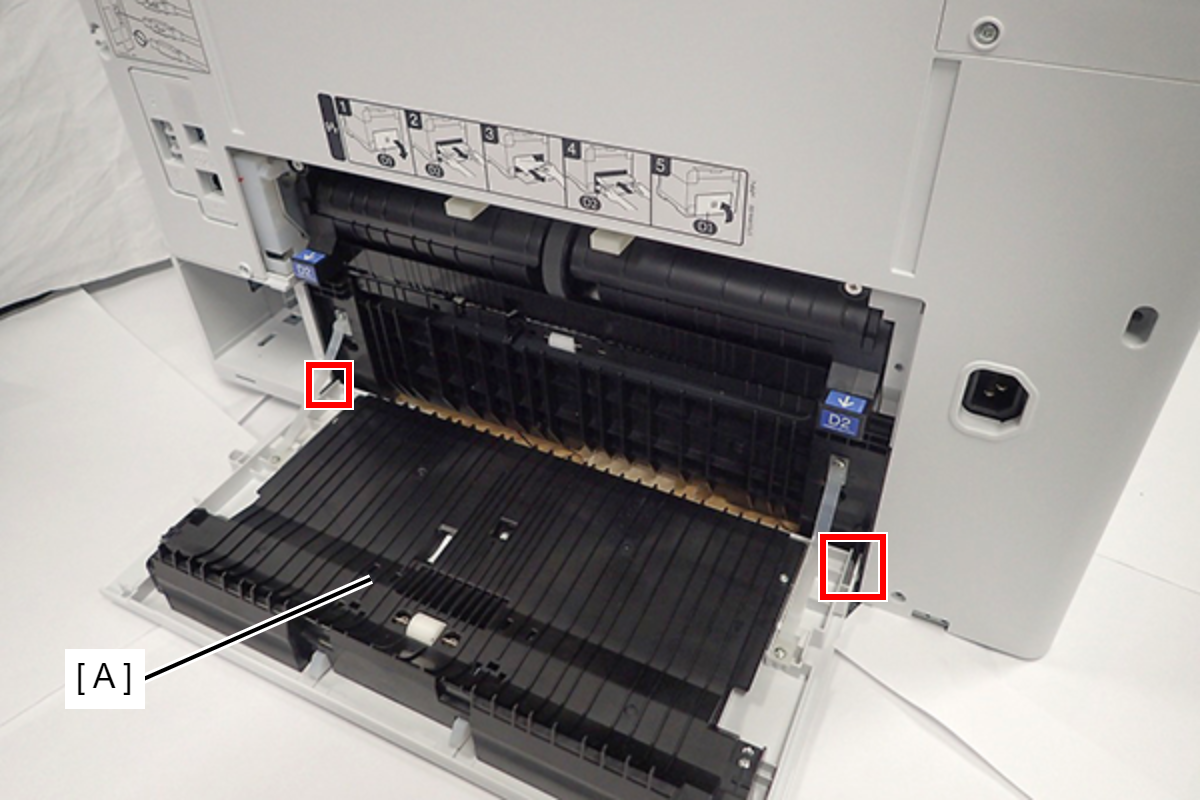
- Disengage the two dowels, then remove the Duplex Print Cover Assy (A).
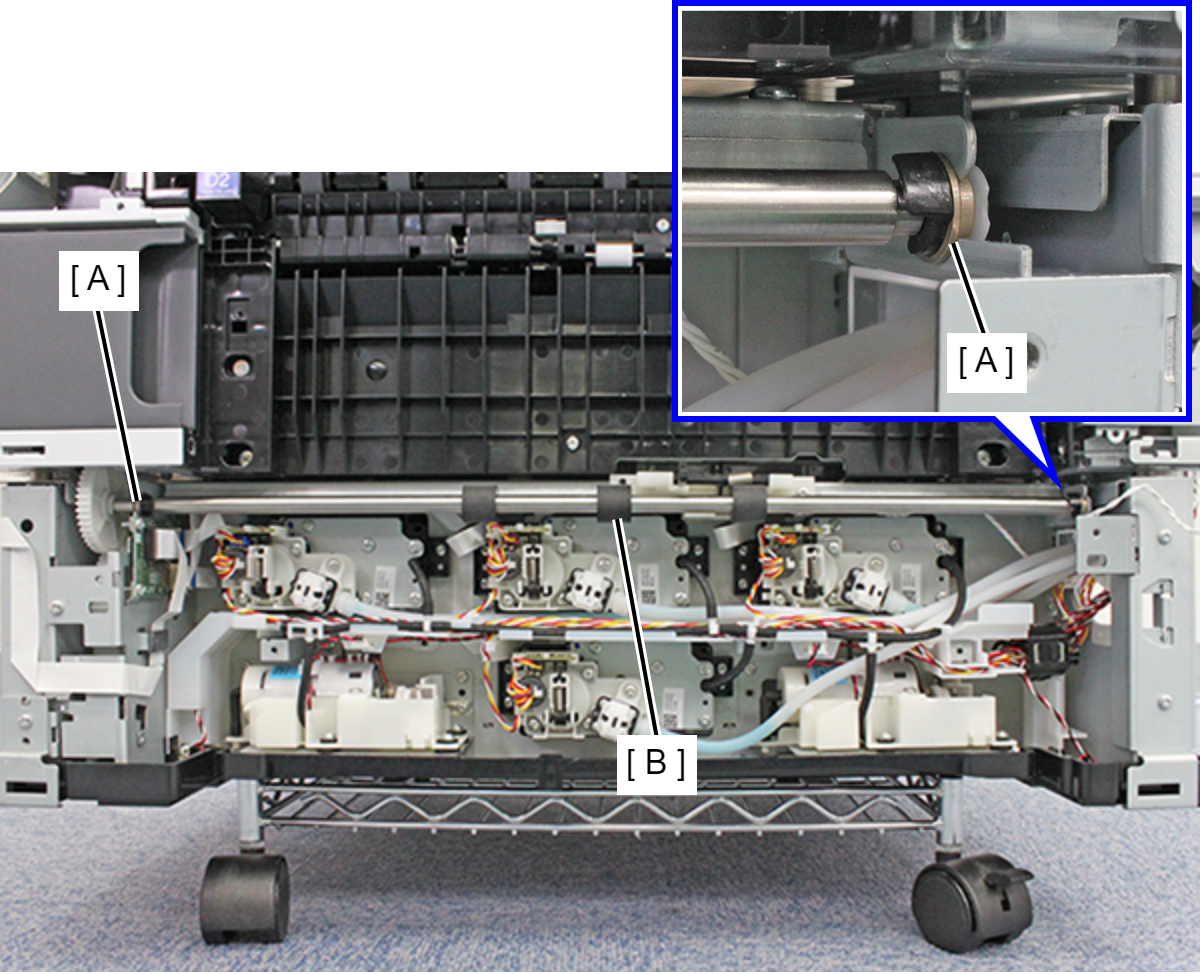
- Remove the two bushes (B) from the RIPS Drive Roller (A).
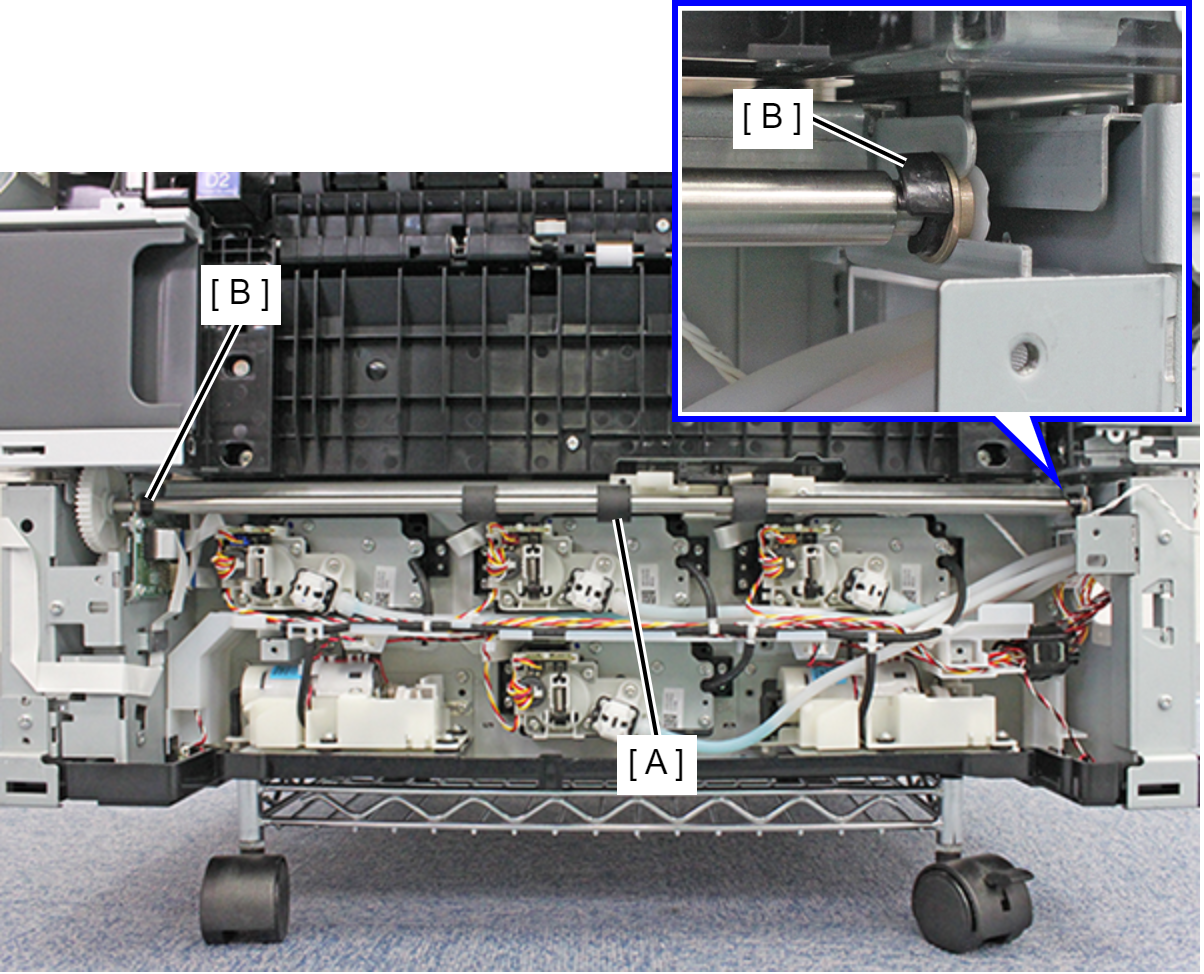
- Remove the two bearings (A) from the frame notch and remove the RIPS Drive Roller (B).