08 USB Memory FW Update

important / 重要
  • When updating the firmware, perform the update with the permission of the user.
  • Use the USB flash drive without encrypt function.
  • Make sure to update latest firmware.
  • If the firmware is older than the firmware applied to the main unit, the update cannot be performed.
  • When installing any option on a product, be sure the options are attached to the main unit to update. If the firmware level differs between the main unit and the option, a fatal error may occur.
  • The required update time may vary depending on the firmware data and the connection status of the option.
Preparation
Check Point / チェックポイント
  • Be sure to create the folder name with the designated name.
  • Make sure to create the folder directly under the USB memory.
  • Firmware data (efu file) and license data (txt file) should be stored in this folder. No other data should be stored here.
  • Be sure to confirm that the names of the firmware data are as follows. If the names are different, confirm that it is correct firmware data for this product, and correct them to the following names.

    Data types EM-C8100 Series
    Firmware data FWCL31TL_HDR.efu
    License data license.txt
  • Firmware data and license data are limited in combination, so be sure to use the combination at the time of distribution.
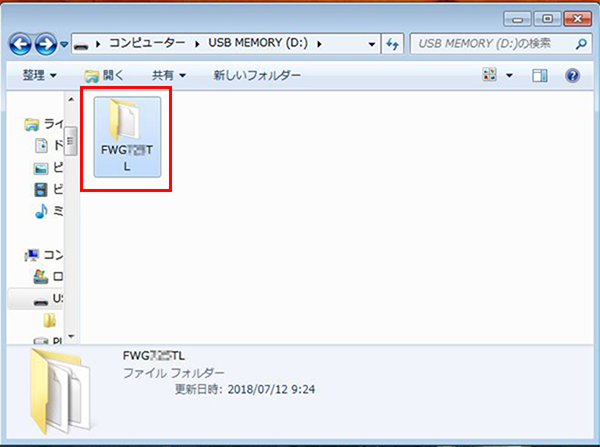
  1. Connect the USB memory to the PC, and create a folder named with the following product names in the hierarchy immediately below the USB memory.
    • EM-C8100 Series: FWCL31TL

  2. Store the two firmware data and the license data in the folder.
Procedure
  1. Start service support mode. (Starting Service Support Mode)
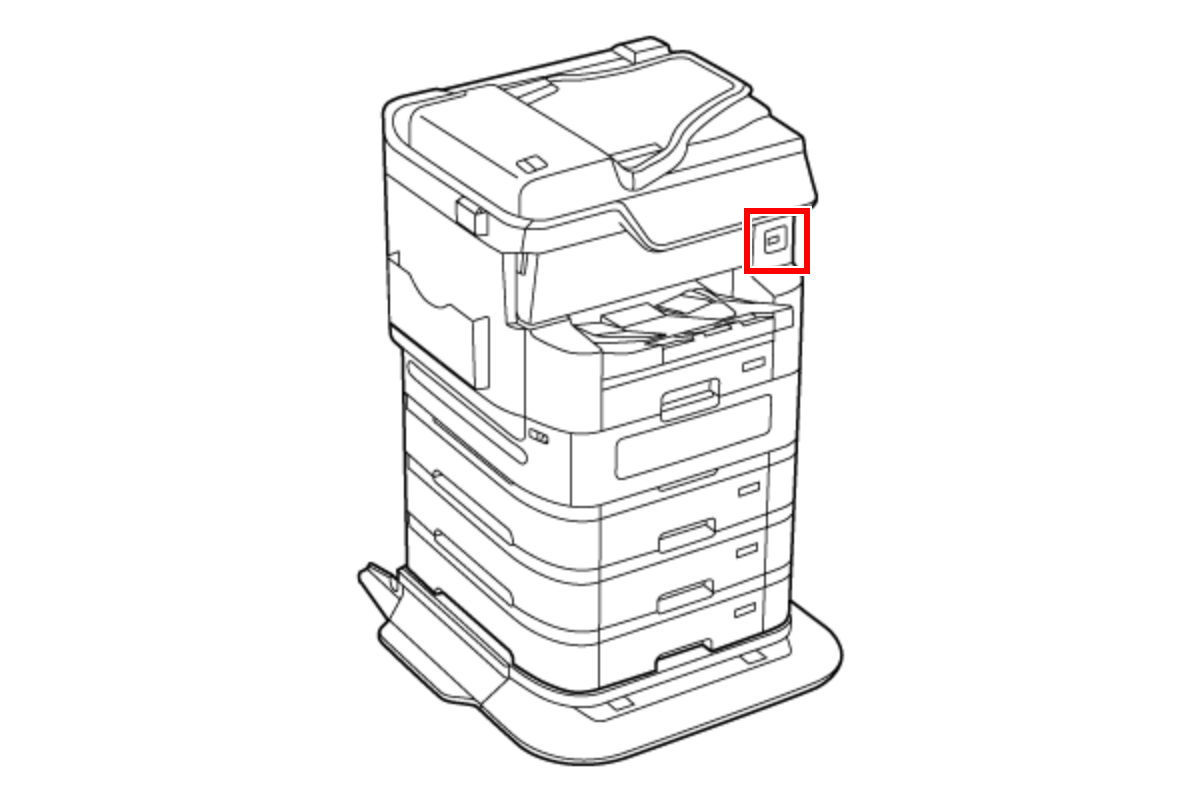
  2. Connect the prepared USB memory to the USB port.
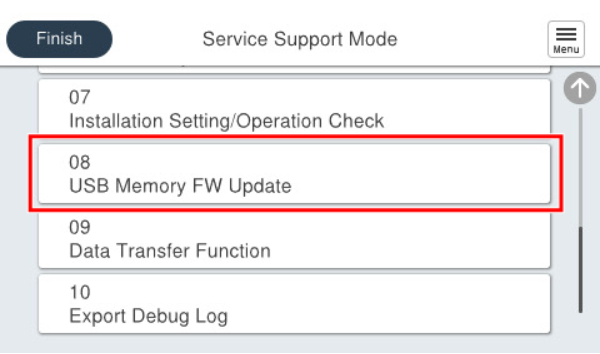
  3. Select [08 USB Memory FW Update].
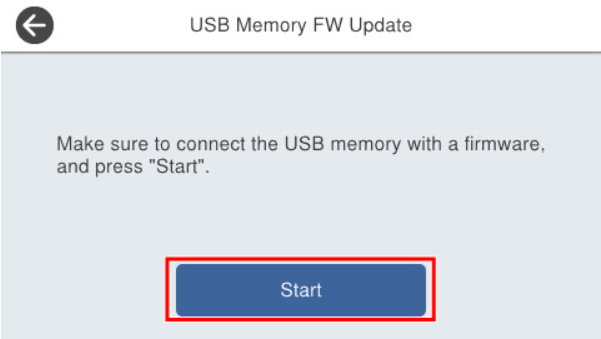
  4. Press [Start].
  5. The firmware execution confirmation screen is displayed, and the current firmware version and the updated firmware version are displayed.
  6. Check the firmware version, and select [Execute] to start updating.
  7. After the firmware update is completed, restart automatically.
  8. Once the product restarts, disconnect the USB memory.