
60203 ADF Scanning Adj. (600dpi)
Overview
Adjust the scanning start position and sub scaling (paper feeding direction) for ADF scanning (600dpi).
Required Tool
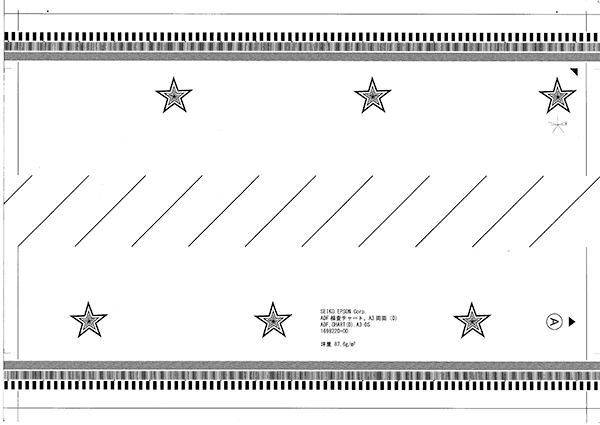
- ADF,CHART(D), A3-DS (Parts code: 1698220)
- Side A
- Side B
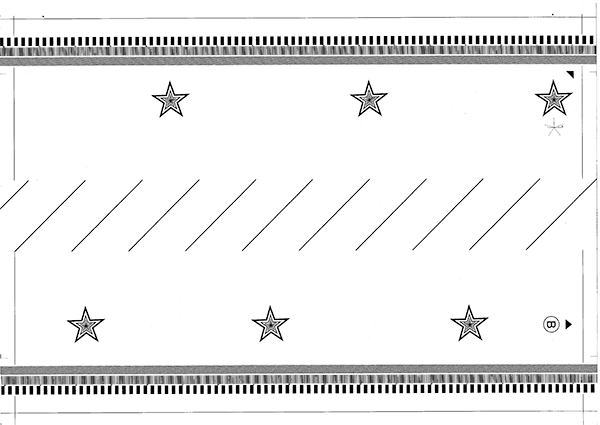
- Side A
Procedure
- Start service support mode. (Starting Service Support Mode)
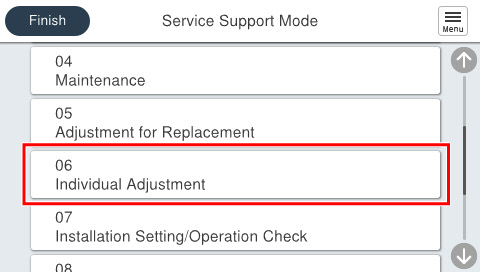
- Select [06 Individual Adjustment].
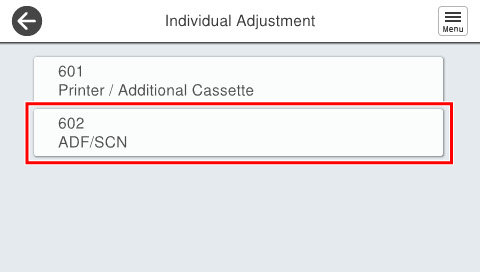
- Select [602 ADF/SCN].
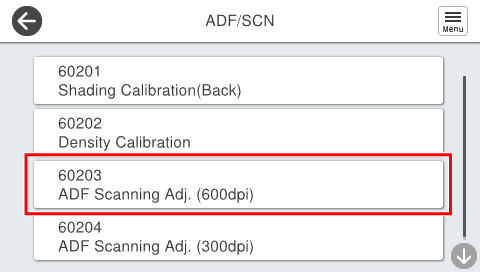
- Select [60203 ADF Scanning Adj. (600dpi)].
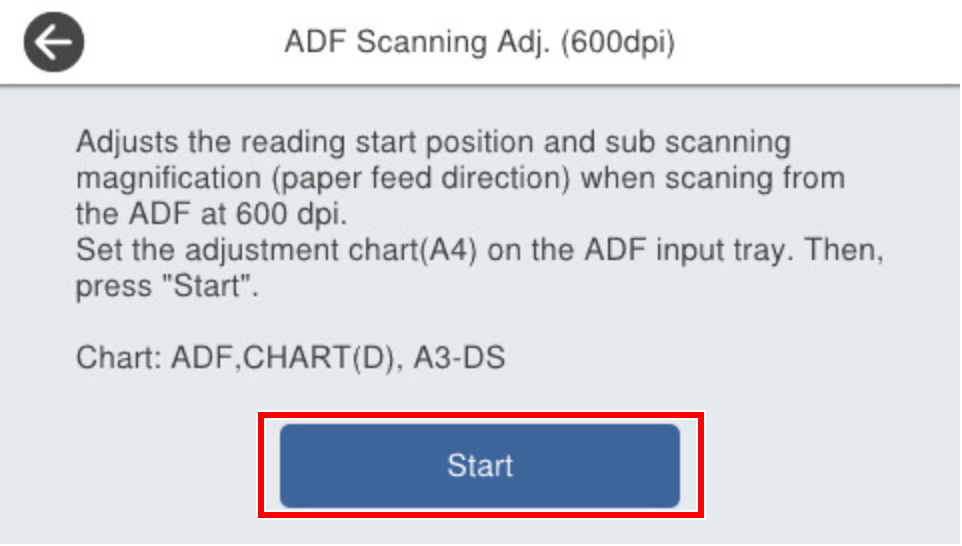
- Set the chart on the ADF tray and press [Start].
 Check Point / チェックポイント
Chart setting direction
- Load the paper with the A side facing up and facing the paper feed slot so that the arrow is at the top.
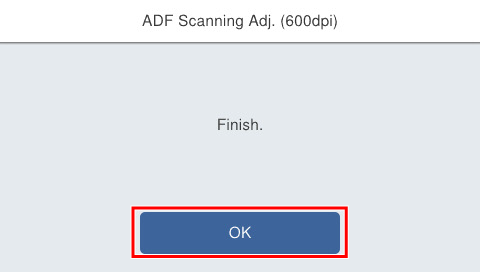
- If the following screen is displayed, press [OK] to complete.
| Check Point / チェックポイント |
After execution, if “Adjustment failed” is displayed, either press [Initial value] to write the initial setting value, or press [Readjust] after setting the chart in the ADF tray and perform adjustment. |