
Pick-up Roller
 Adjustment / 調整 Adjustment / 調整 |
When replacing this part, you need to run the menu from the service support mode before replacing it. |
- Open the Duplex Print Cover (A).
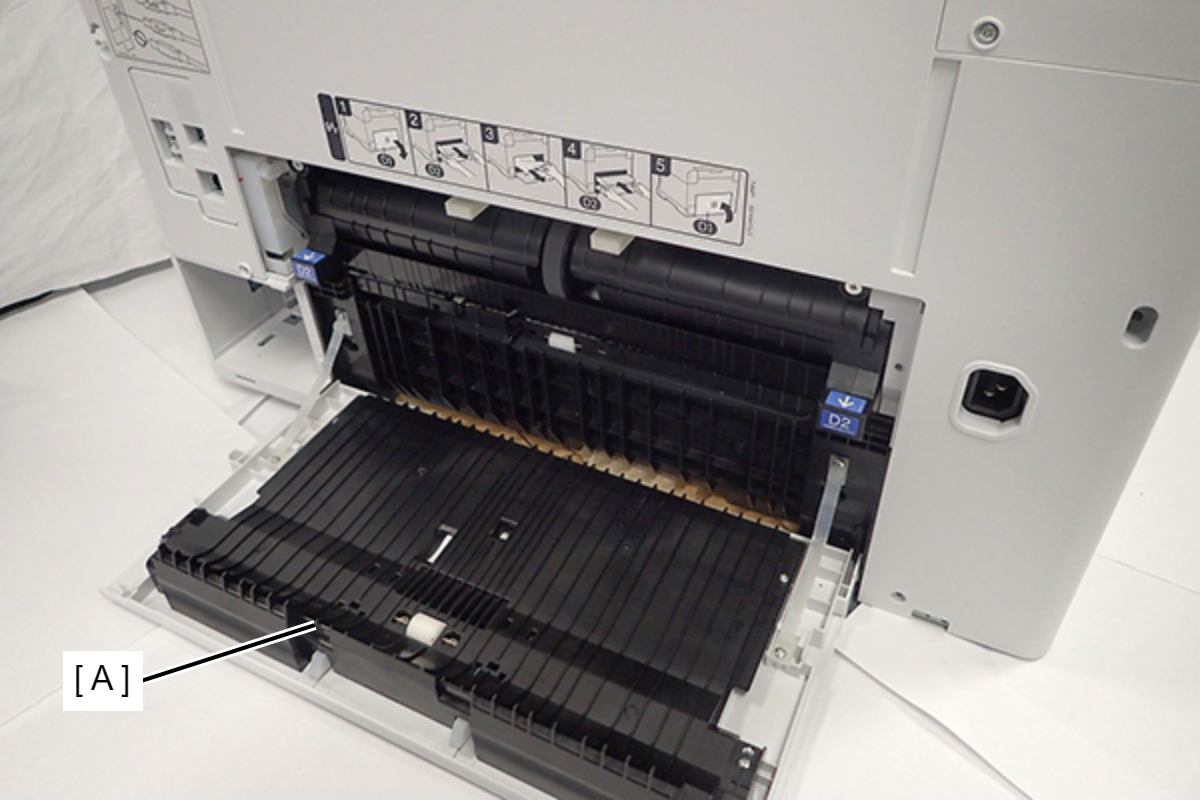
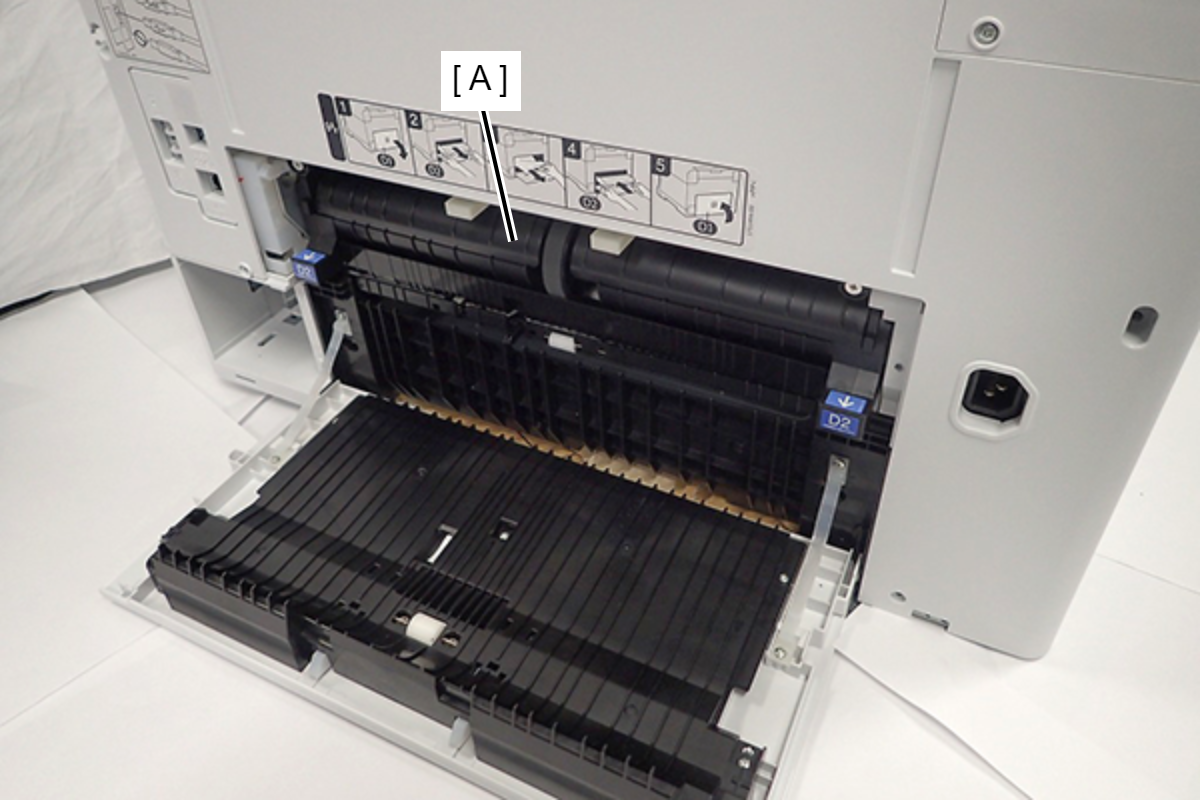
- Remove the Duplex Print Assy (A).
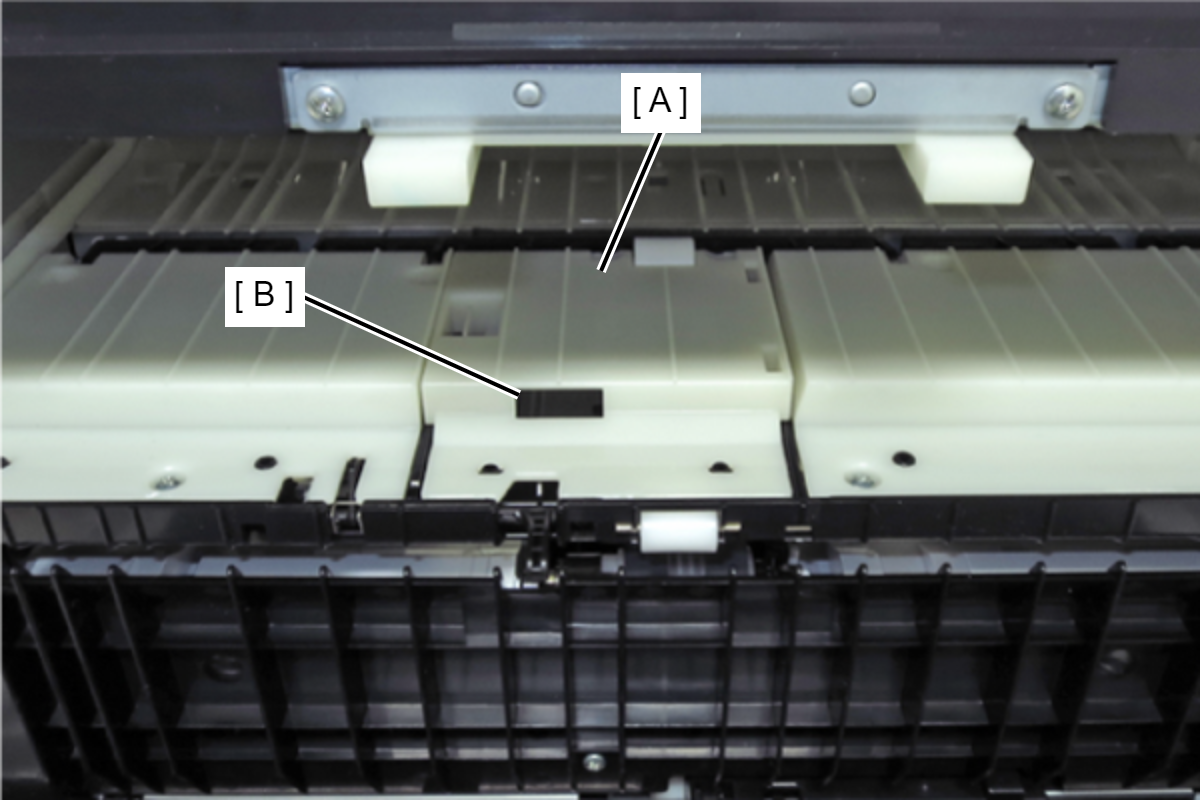
- Lift the Middle Duplex Print Guide (A) by hooking a finger on the angle hole (B), and remove it.
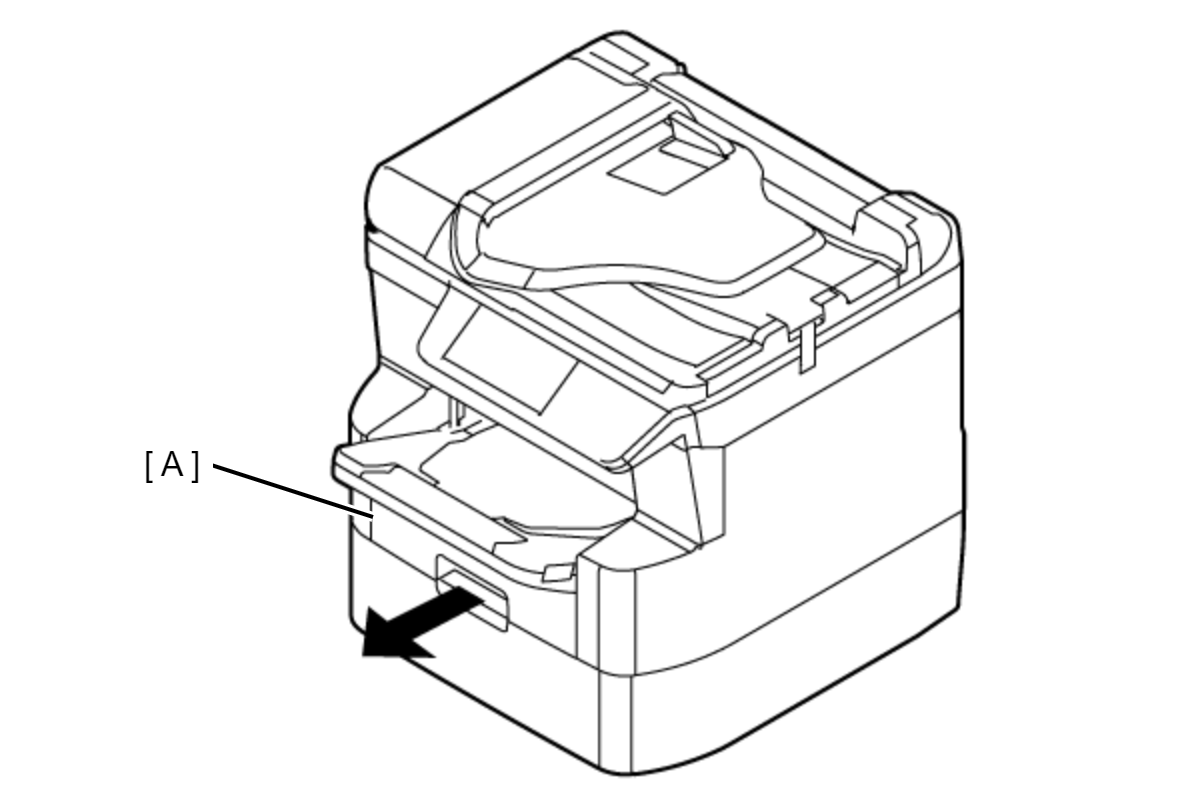
- Remove the Cassette Assy (A).
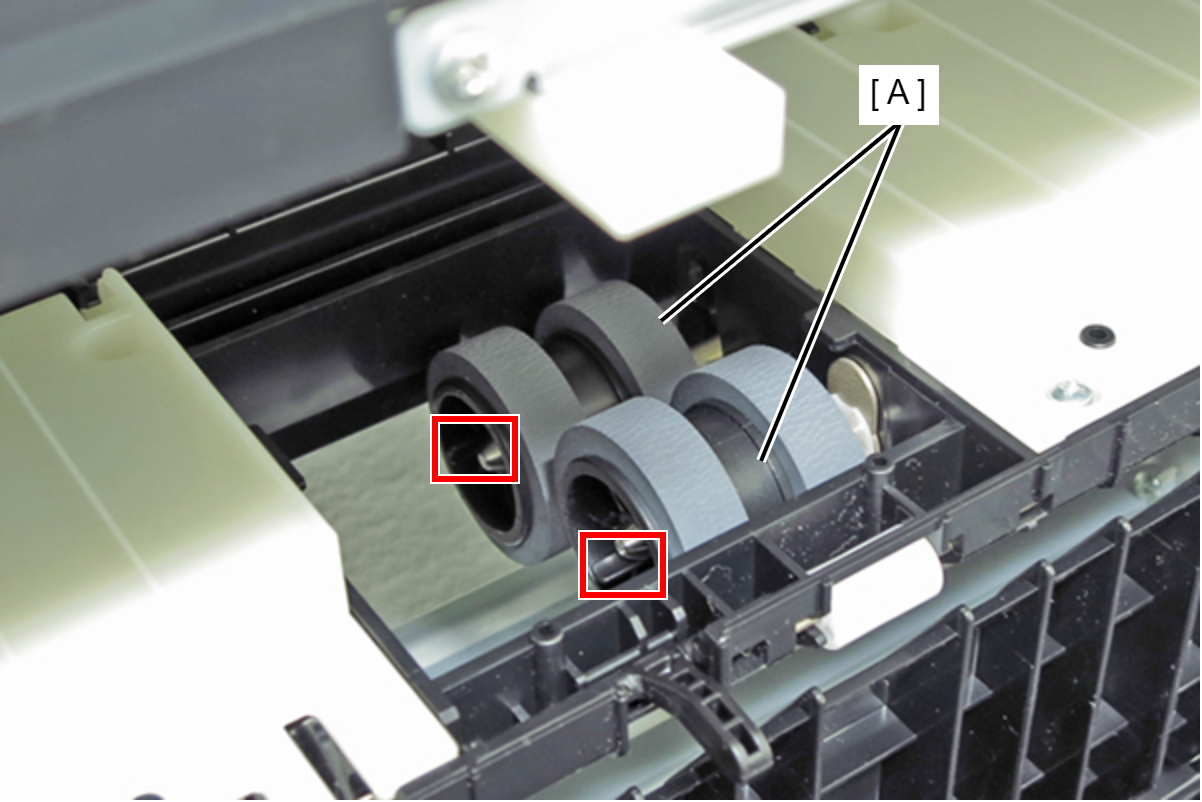
- Disengage the hooks, then remove the two Pickup Rollers (A).
| Adjustment / 調整 |
After replacing this part, you need to run the menu from the service support mode. (If you ran the Before-replacement menu before replacing the part, it will start automatically when you turn the power on.) |