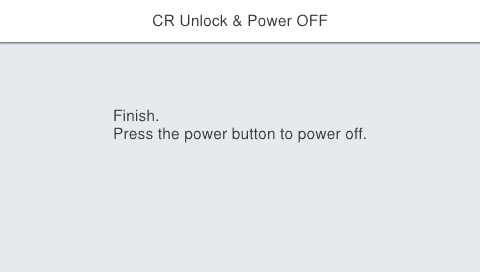
60143 CR Unlock & Power OFF
Overview
Release the lock on the CR unit and turn power off.
Required Tool
---
Procedure
- Start service support mode. (Starting Service Support Mode)
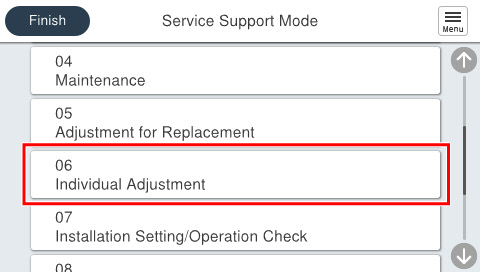
- Select [06 Individual Adjustment].
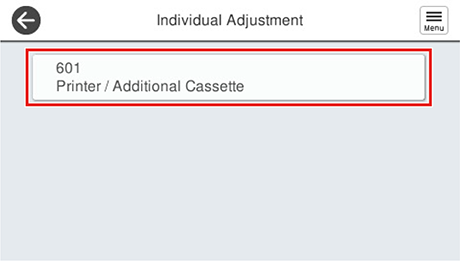
- Select [601 Printer/Additional Cassette].
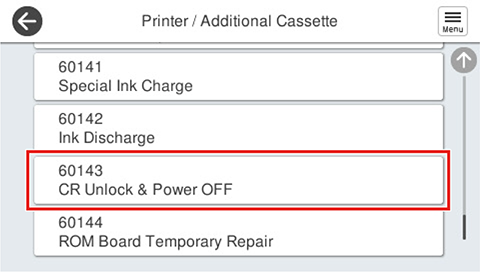
- Select [60143 CR Unlock & Power OFF].
- Press [Start].
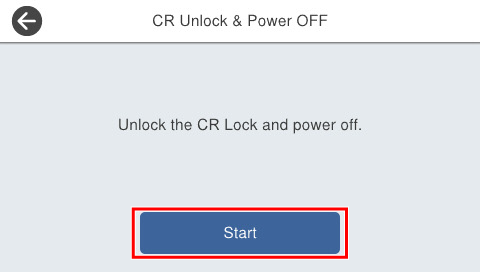
- If the following screen is displayed, press [Power] button to complete.