Ink Supply Tube Assy After Parts Replacement
Procedure
- Turn the power ON.
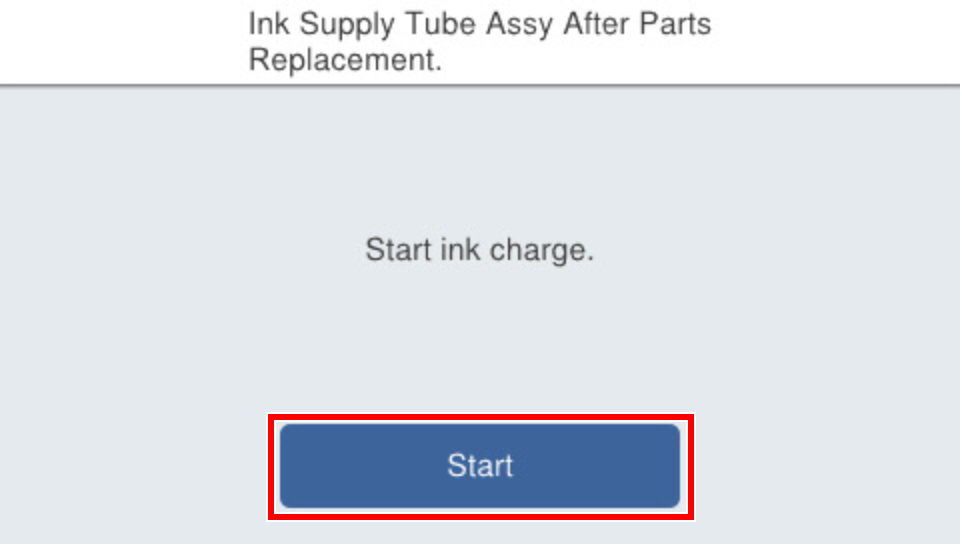
- Press [Start].
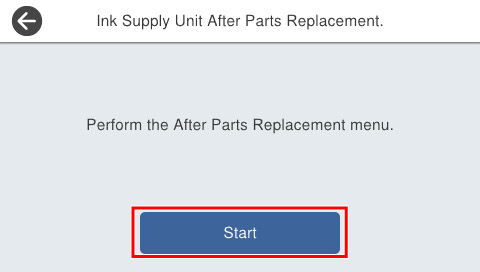
- Press [Start].
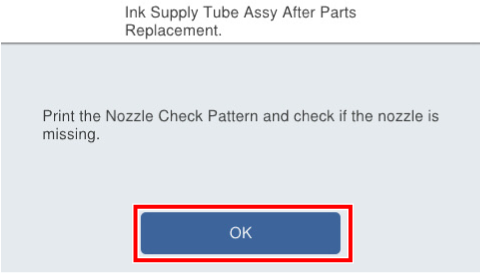
- If the following screen is displayed, press [OK].
- Press each setting item button to make print settings.
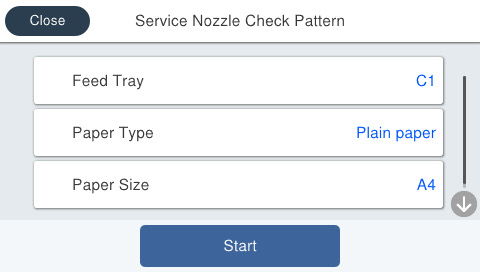
Setting Items Choice Remarks Feed Tray C1, C2, C3, C4, Rear ASF --- Paper Type Plain Paper Setting change not possible Paper Size A4 / Letter --- - Load paper in the selected feed tray and press [Start].
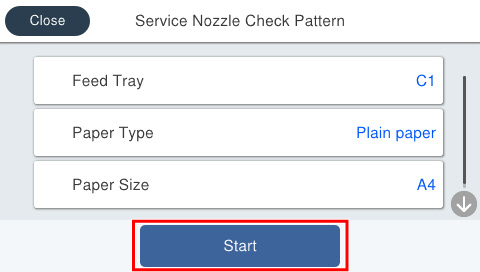
- Confirm the check pattern, and confirm that all nozzles with no nozzles missing are correctly ejecting.
When all nozzles are correctly ejecting, press [OK] to complete the nozzle check. If a nozzle is missing, press [Cleaning] to execute head cleaning.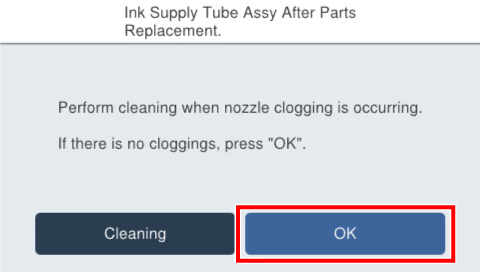
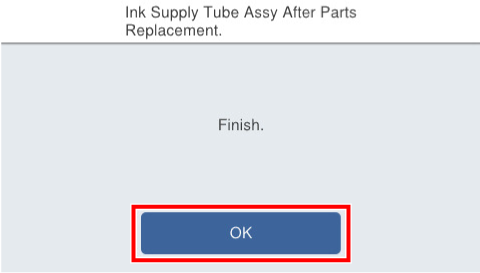
- Press [OK].