
60121 Bi-D Adj. (Simple)
Overview
Use software to correct the print timing for aligning the print position between the outward path and return path when bidirectional printing is used. Performs adjustments only on the areas identified for adjustment, and for others automatically calculates and determines the correction value.
Required Tool
- Plain paper (A4 or Letter)
Procedure
- Start service support mode. (Starting Service Support Mode)
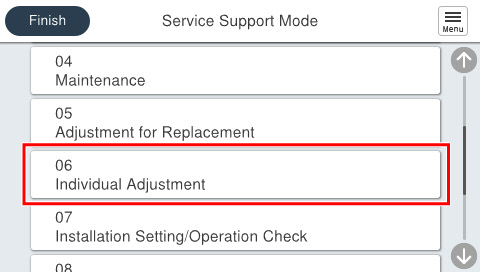
- Select [06 Individual Adjustment].
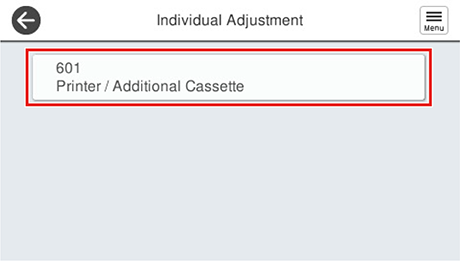
- Select [601 Printer/Additional Cassette].
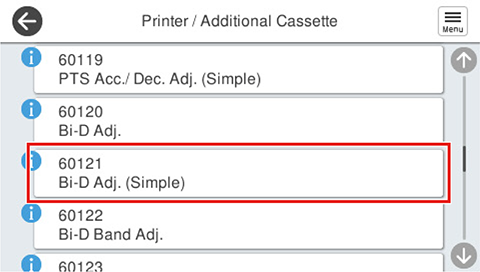
- Select [60121 Bi-D Adj. (Simple)].
- If the following screen is displayed, press [Pattern print].
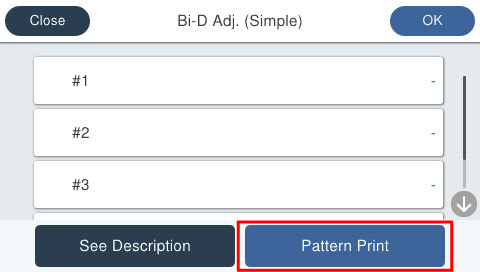
Press each setting item button to make print settings.
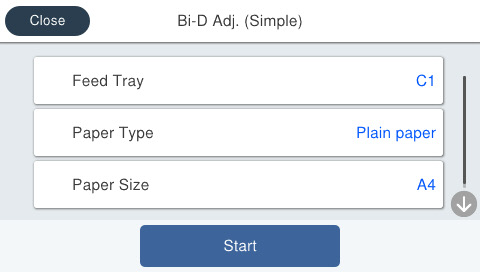
Setting Items Choice Remarks Feed Tray C1, C2, C3, C4 --- Paper Type Plain Paper Setting change not possible Paper Size A4 / Letter --- - Load paper in the selected feed tray and press [Start]. Adjustment patterns are printed on 1 sheet.
- Adjustment pattern
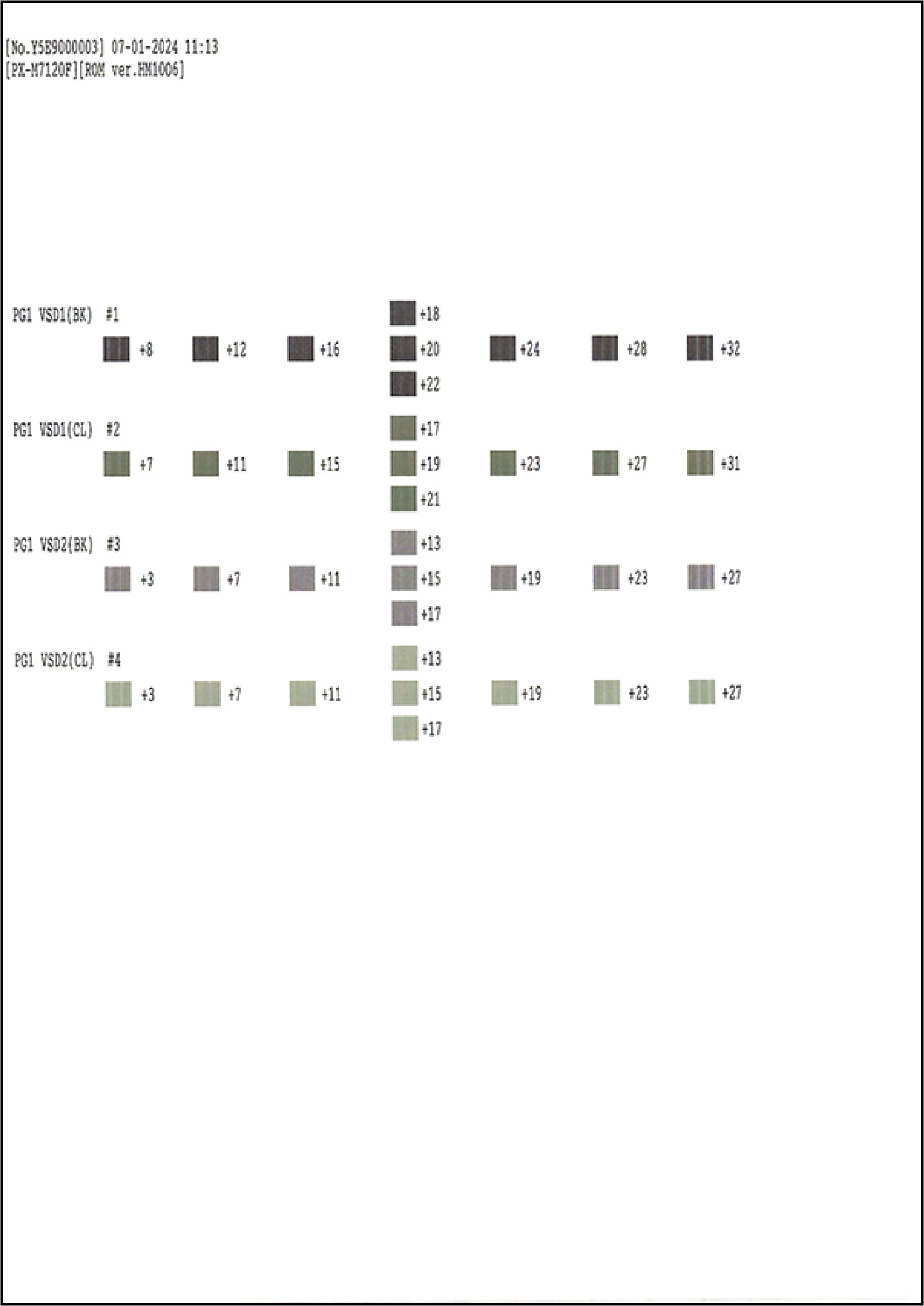
- Adjustment pattern
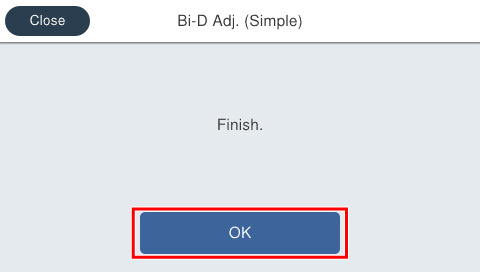
- Press [OK] on the following screen.
Check the adjustment pattern and determine the adjustment values for each of #1 through #4 based on the judgment method.
 Check Point / チェックポイント
- Adjustment value judgment method
- Select the pattern for which there is no gap and overlapping of the left and right patterns.
- Adjustment value judgment method
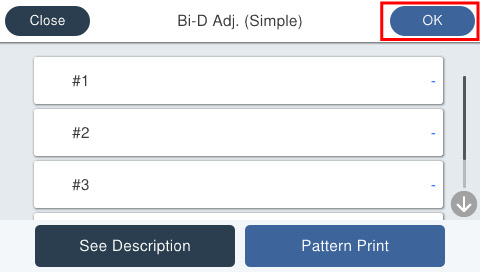
- Press on [#1] through [#4] and enter the adjustment value.
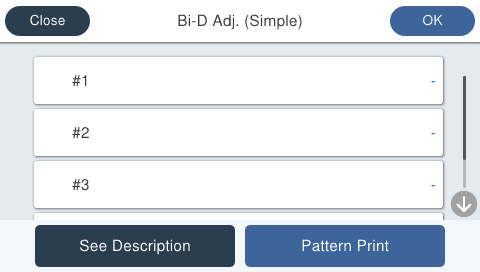
- Press [OK] on the upper right to complete the adjustment. The adjusted values are saved in the printer.
 Note / 補足 Note / 補足 |
If there is no pattern satisfying the judgment method among the adjustment patterns, there is a pattern satisfying the judgment method outside the scope of pattern printing. Therefore, select the best pattern and enter the adjustment value. Following this, again print the adjustment pattern and determine the adjustment value. |