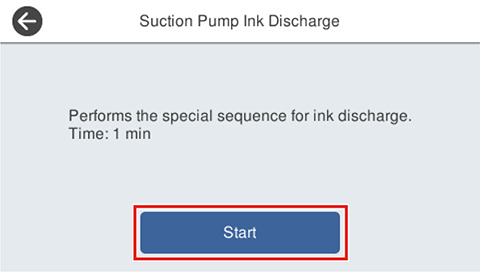
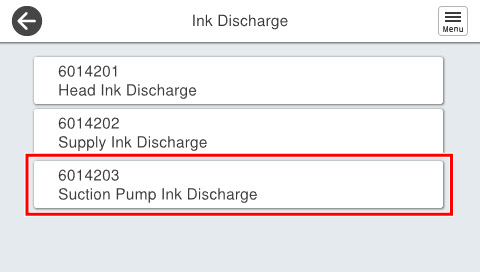
6014203 Suction Pump Ink Discharge
Overview
Discharges waste ink stuck in the suction pump (within the ink system).
Required Tool
---
Procedure
- Start service support mode. (Starting Service Support Mode)
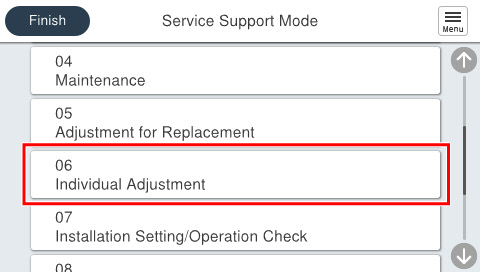
- Select [06 Individual Adjustment].
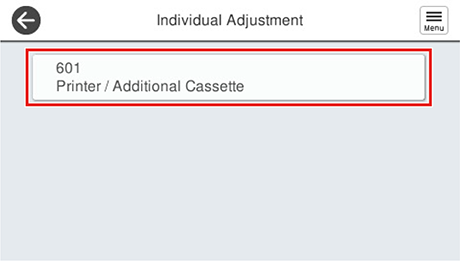
- Select [601 Printer/Additional Cassette].
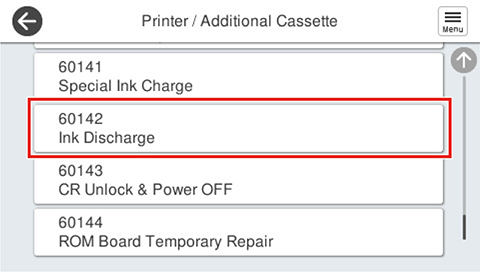
- Select [60142 Ink Discharge].
- Select [6014203 Suction Pump Ink Discharge].
- Press [Start].