
10 Acquire Debug Log
Acquires the debug log.
 Check Point / チェックポイント Check Point / チェックポイント |
|
Procedure
- Start service support mode. (Starting Service Support Mode)
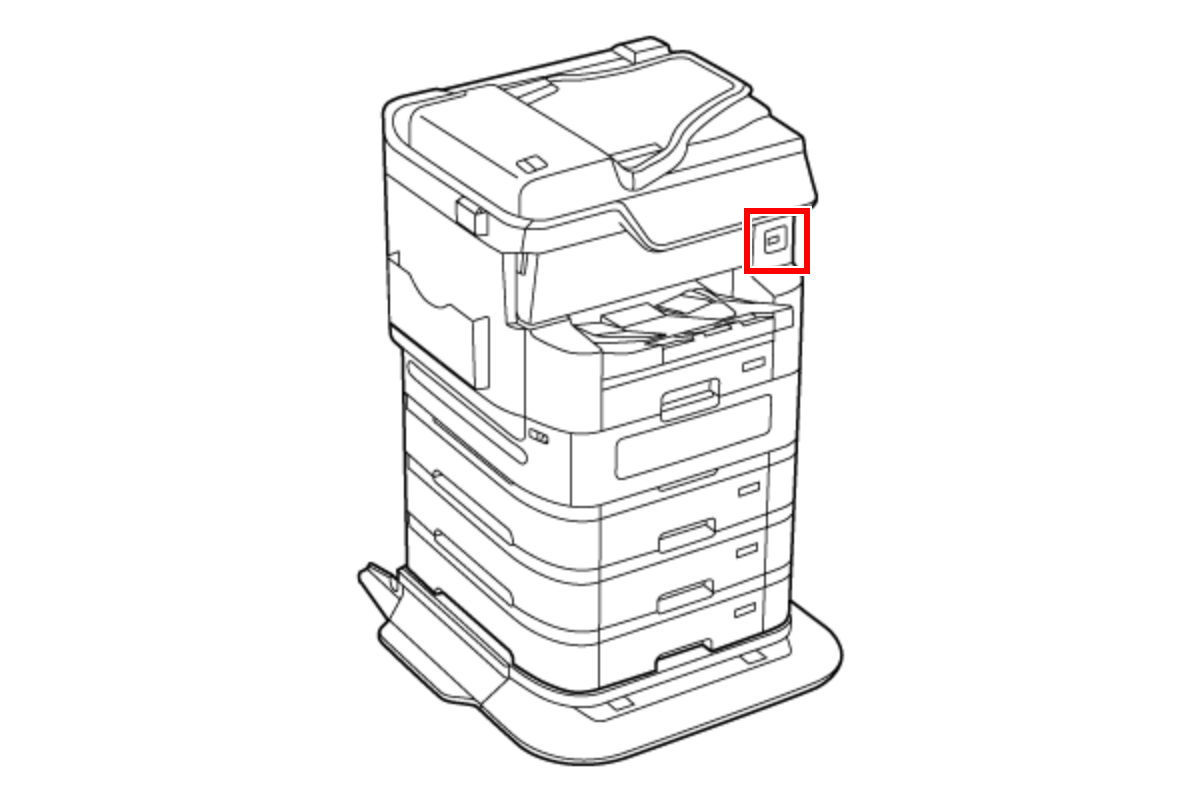
- Connect a USB memory to the USB port.
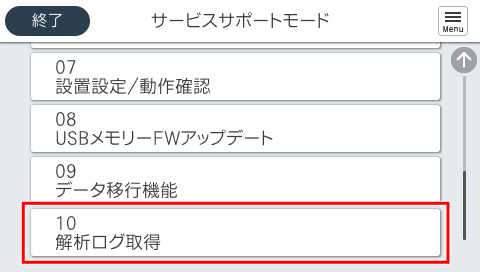
- Select [10 Export Debug Log].
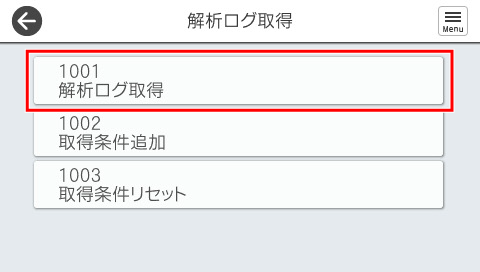
- Select [1001 Export Debug Log].
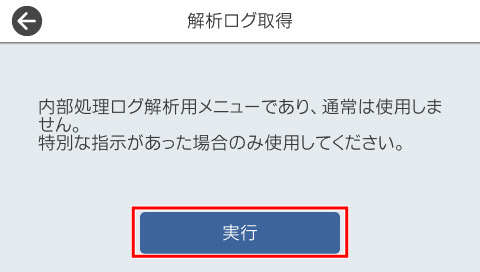
- Press [Start].
 Caution / 注意
While the log is being acquired, do not remove the USB memory or turn the power off.