
60108 Head ID Input
Overview
When replacing the print head, acquire the ID with the correction value of the head product variation written in from the print head and write it to the EEPROM on the main board.
Required Tool
---
Procedure
- Start service support mode. (Starting Service Support Mode)
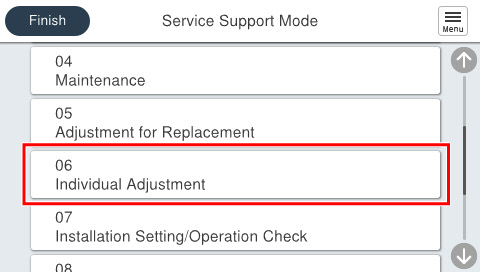
- Select [06 Individual Adjustment].
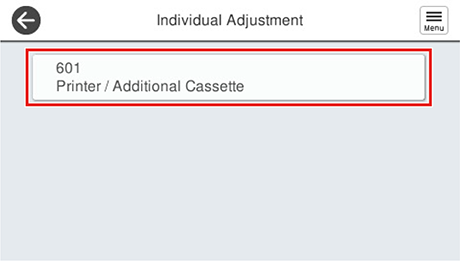
- Select [601 Printer/Additional Cassette].
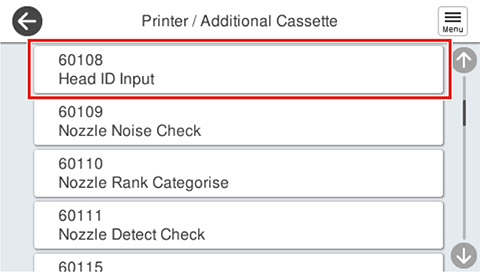
- Select [60108 Head ID Input].
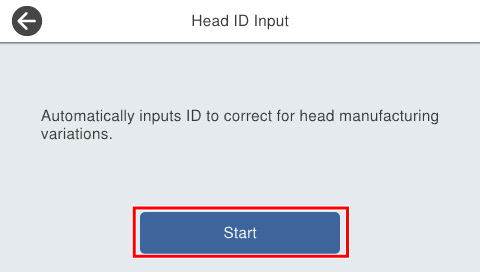
- Press [Start].
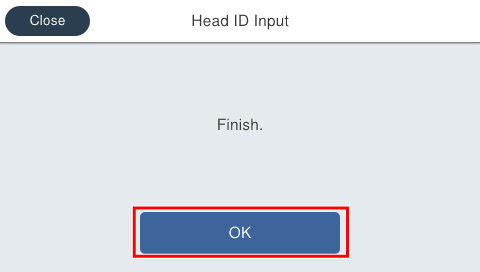
- If the following screen is displayed, press [OK] to complete.
 Check Point / チェックポイント
If head ID input fails, the print head will fail. Therefore, replace the printhead with a new part.