60144 ROM Board Restore
Overview
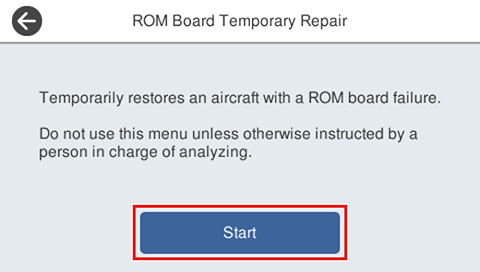
Temporarily restore a machine with a failed ROM board.
Required Tool
---
Procedure
- Start service support mode. (Starting Service Support Mode)
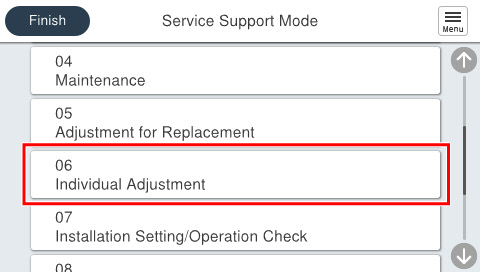
- Select [06 Individual Adjustment].
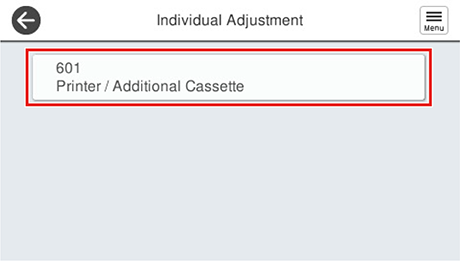
- Select [601 Printer/Additional Cassette].
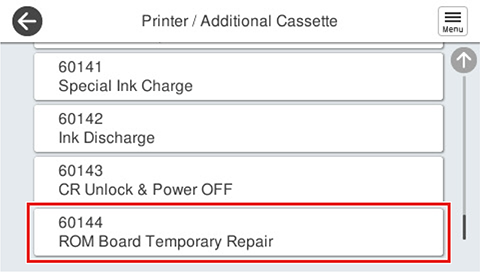
- Select [60144 ROM Board Restore].
- Press [Start].
 Check Point / チェックポイント
When this menu is executed, a maintenance error screen is always displayed.
When the maintenance error screen appears, press the [OK] button in the upper right corner of the screen.
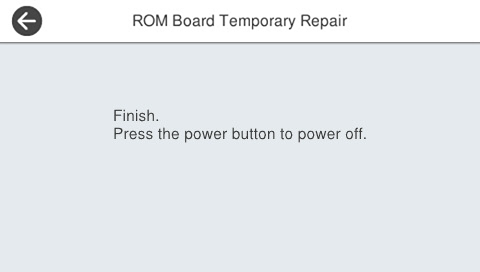
- When the following screen appears, turn off the product.