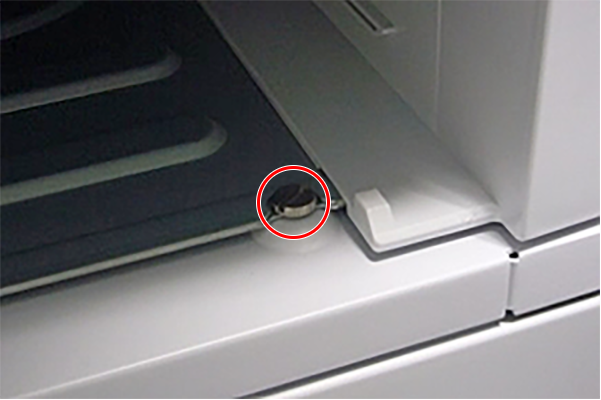
Attaching cabinet
Remove the protective tape and protective material from the cabinet.
- Pull out the paper cassette.
Insert the printer in the cabinet and secure it with the L-shaped bracket (A) for connection and additional cassette fixing screws.
[Rear]
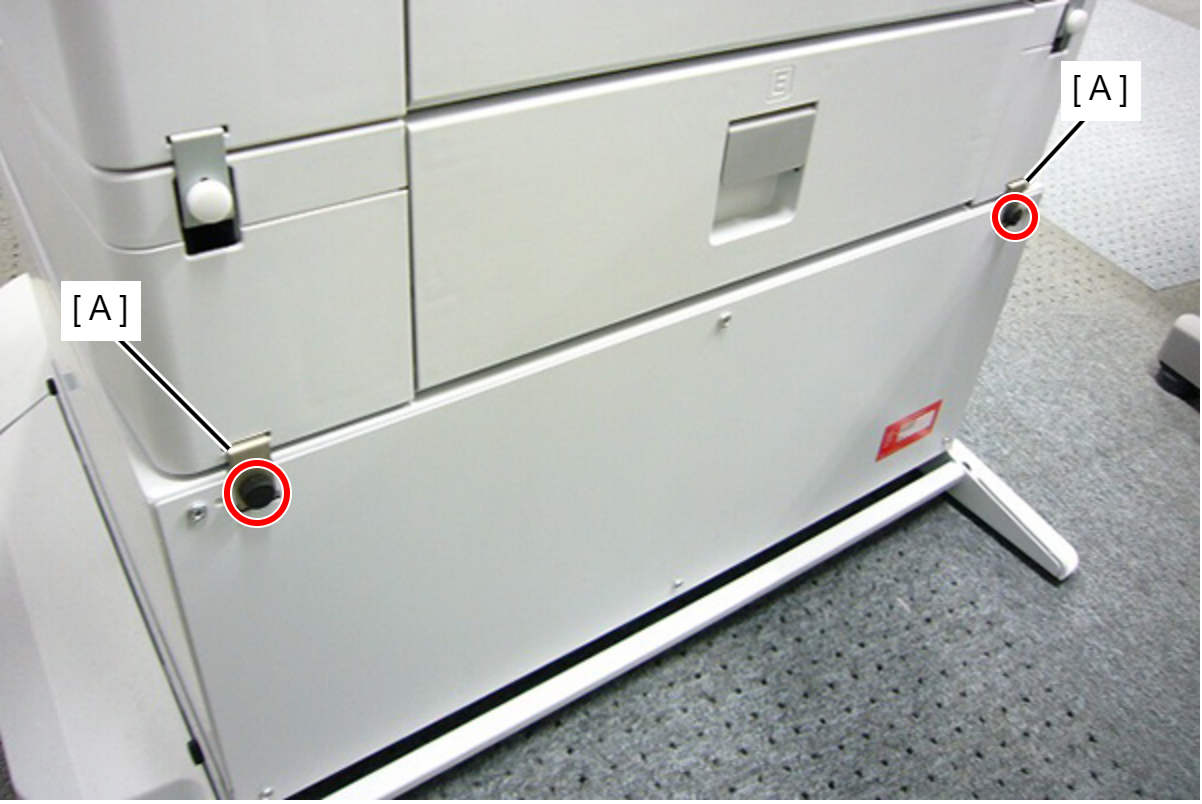
- [Front]